Library Sections - Sprongo Manual
Sprongo’s Library helps athletes and coaches organize training resources for easy access and management.
25 articles
Sprongo’s Library helps athletes and coaches organize training resources for easy access and management.
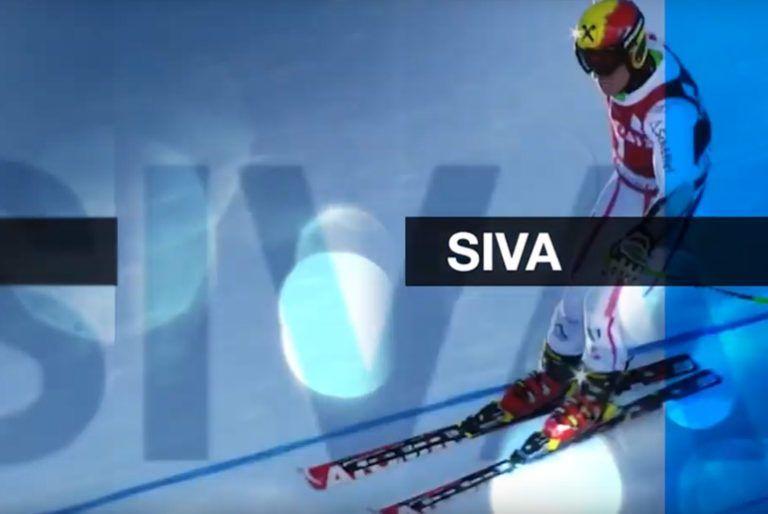
If you missed it, a few weeks ago we announced the launch of SIVA, Sprongo’s brand new Intelligent Video Analytics Software. Just weeks after launching, SIVA has already been embraced by numerous professional athletes and teams around the world. Harnessing the power of SIVA’s artificial intelligence and machine learning capabilities, athletes and coaches have already analyzed thousands of videos.

As you all know, the team here at Sprongo love to constantly update and add new features and tools to provide you with the best possible video analysis software to help train and educate your athletes! For coaches, Sprongo is a great tool for quickly and efficiently providing consistent and comparative feedback to your athletes, and for athletes, we provide the tools that aid overall and comparative performance assessment and improvement.

Sprongo has many video features on its platform to help you analyse and compare your videos. There are quite a few of them so lets break them down for one by one and explain how and why you should use each feature.
I think we can all agree that videos are at the heart of video analysis (If it isn’t obvious already!). So making sure that your videos are taken efficiently, appropriately, and avidly are essential in getting the most out of video analysis.

One of the crucial parts of video analysis is how you share the videos you’ve captured with your coaches and athletes.
The Sprongo App allows you to access your videos while on the go, making training available to you and your team anytime and anywhere.