How do I create a Playlist on Sprongo?
Want to keep your training videos well-organized? Keep training videos organized with playlists on Sprongo. Here’s a quick guide to help athletes and coaches manage videos efficiently.
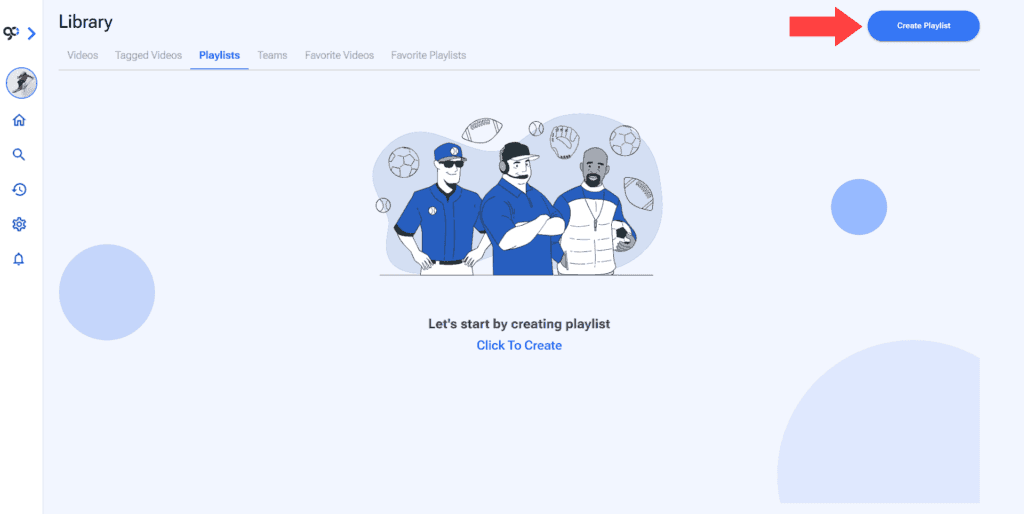
1. Go to the Playlists Section of your Library. You will see an Create Playlist button on the top right of the screen.
2. Give your playlist a name.
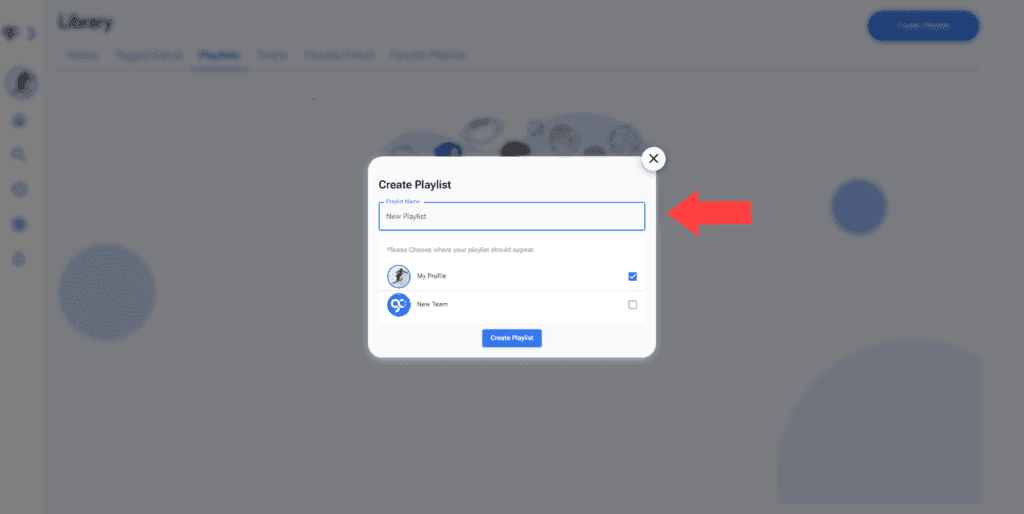
3. Choose where it should appear.
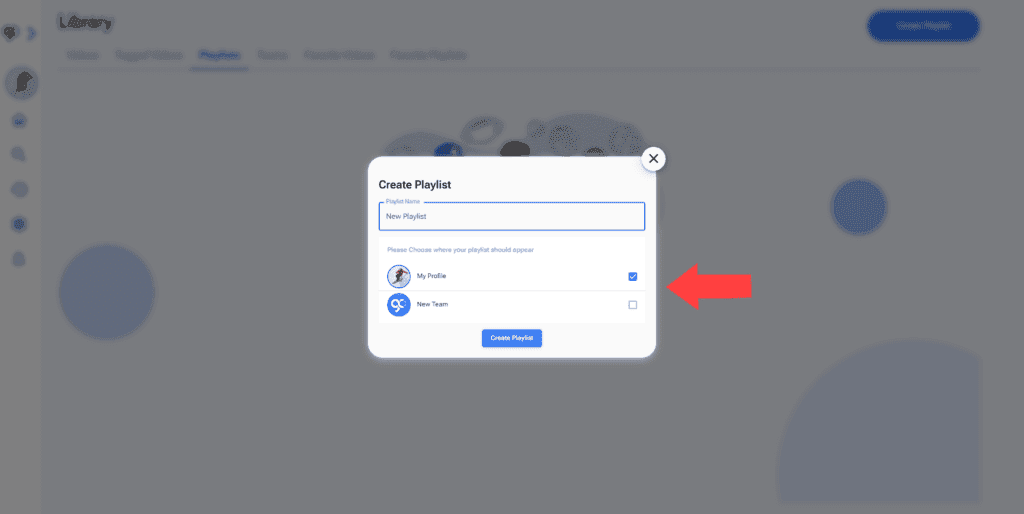
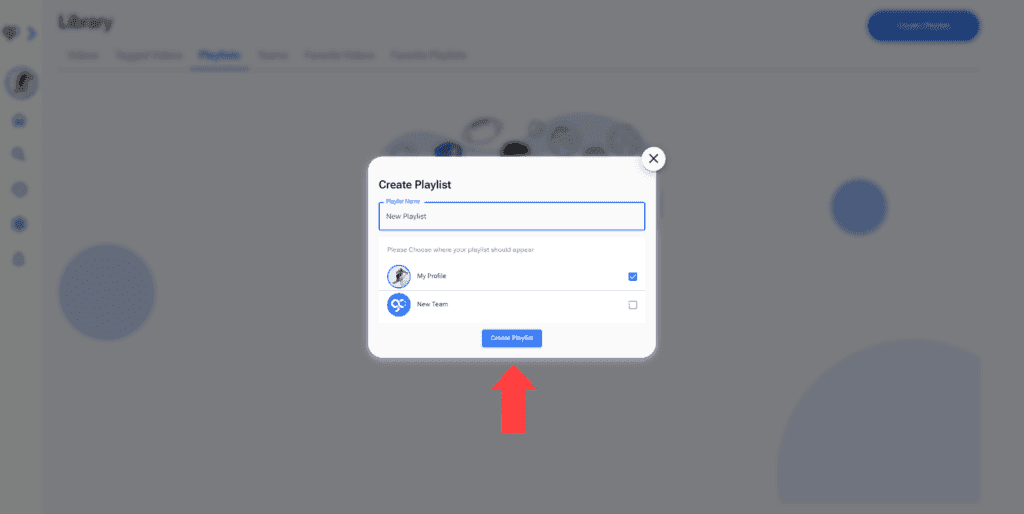
4. Click Create Playlist.
5. You can add one or multiple videos.
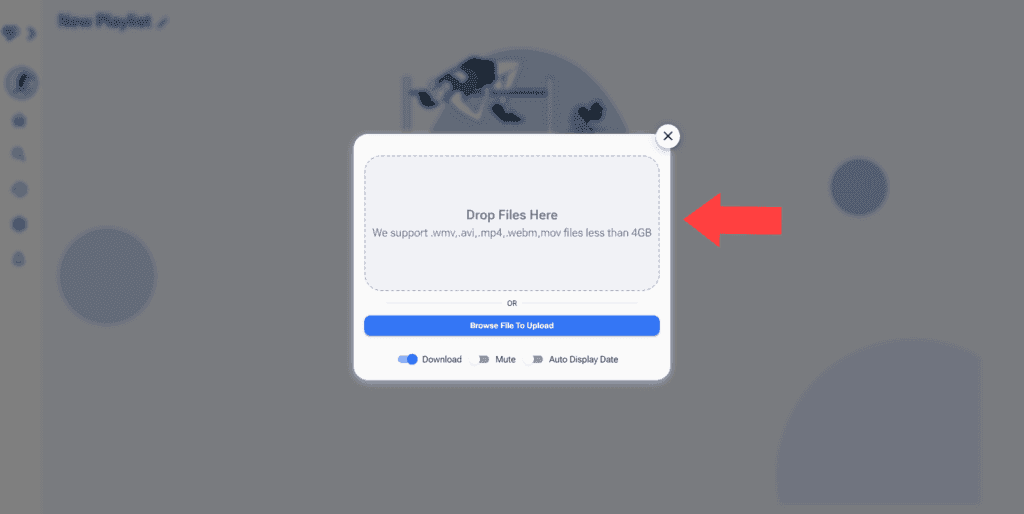
See Upload Videos on Sprongo Manual for more information.