The coaching time problem
Rhythmic gymnastics clubs run on very little coaching time per gymnast. One coach might have a dozen gymnasts on the carpet, each with routines on several apparatus, and only a few minutes to watch each one closely. Feedback given in the hall is often forgotten by the next session. Videos filmed by parents end up in family chats, where the coach never sees them, or in the coach's own camera roll, mixed with everything else.
A shared club video library changes that. Every clip goes to one place, feedback stays attached to the moment, and each gymnast can review her own corrections before the next session.
What a club video workflow looks like
- Coaches or gymnasts film key elements and run-throughs during the session.
- Clips go into the club's shared library, organized by gymnast, apparatus and session.
- The coach reviews after the session, marks the key moments and leaves short corrections.
- Gymnasts review their feedback at home before the next session.
- Before competitions, the coach compares run-throughs to choose what's ready.
In Sprongo, team workspaces give your club shared video libraries and team playlists, member management, and coaching notes that stay with the moment.
Film smarter during sessions
You don't need to film everything. Pick what's worth reviewing:
- The elements each gymnast is working on this block, filmed close and from the angle that shows the shape best (side for leaps and balances, front for rotations).
- One full run-through per apparatus each week, filmed in landscape with the whole carpet area she uses in frame.
- Attempts after a correction, so you can check whether it worked.
Tip: say the gymnast's name at the start of each clip. In Sprongo, a name spoken in the first 5 seconds is tagged automatically, which saves a lot of sorting when one coach films a whole group. Faster uploads get clips from the phone into the library and ready to review sooner.
Organize the library so it stays useful
A club library becomes useful when anyone can find a clip in seconds. A simple structure:
- A playlist per gymnast, or per group for group routines.
- Tags for apparatus (hoop, ball, clubs, ribbon, and rope where your program uses it), element group (leaps, balances, rotations, apparatus difficulty) and session type (training, run-through, competition).
- Stars for the best attempts and for clips that show a breakthrough.
- Moments on the exact frame that matters, so a gymnast can jump straight to her correction.
Search by name or date, filter by what's tagged, starred or shared, and switch between grid and list view.
Feedback that sticks
Short, visual feedback works best for young athletes. In Sprongo you can draw on the frame, leave a voice note and share the exact moment, so a gymnast hears your voice and sees the line you drew when she opens the clip.
A good habit for every correction:
- Name one thing that's improving.
- Give one correction in plain words.
- Show it on the frame.
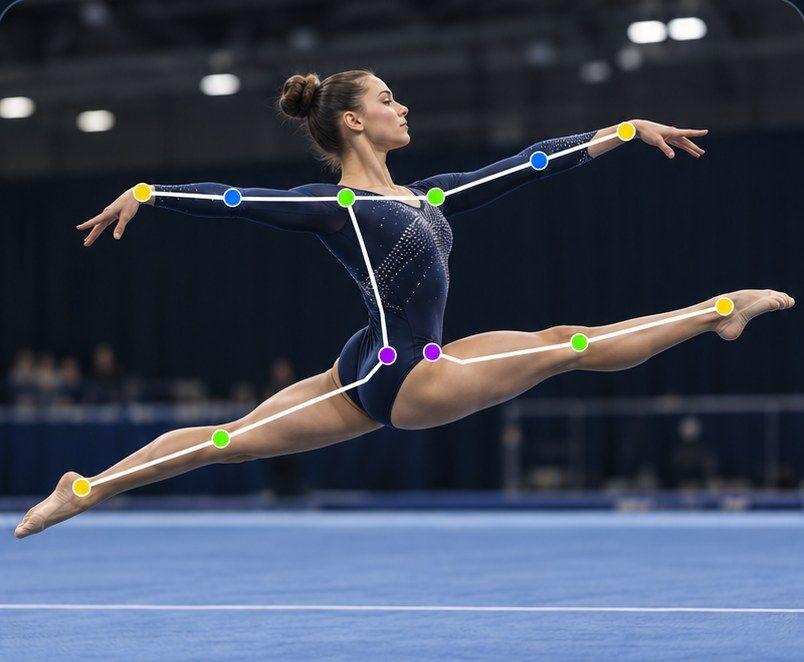
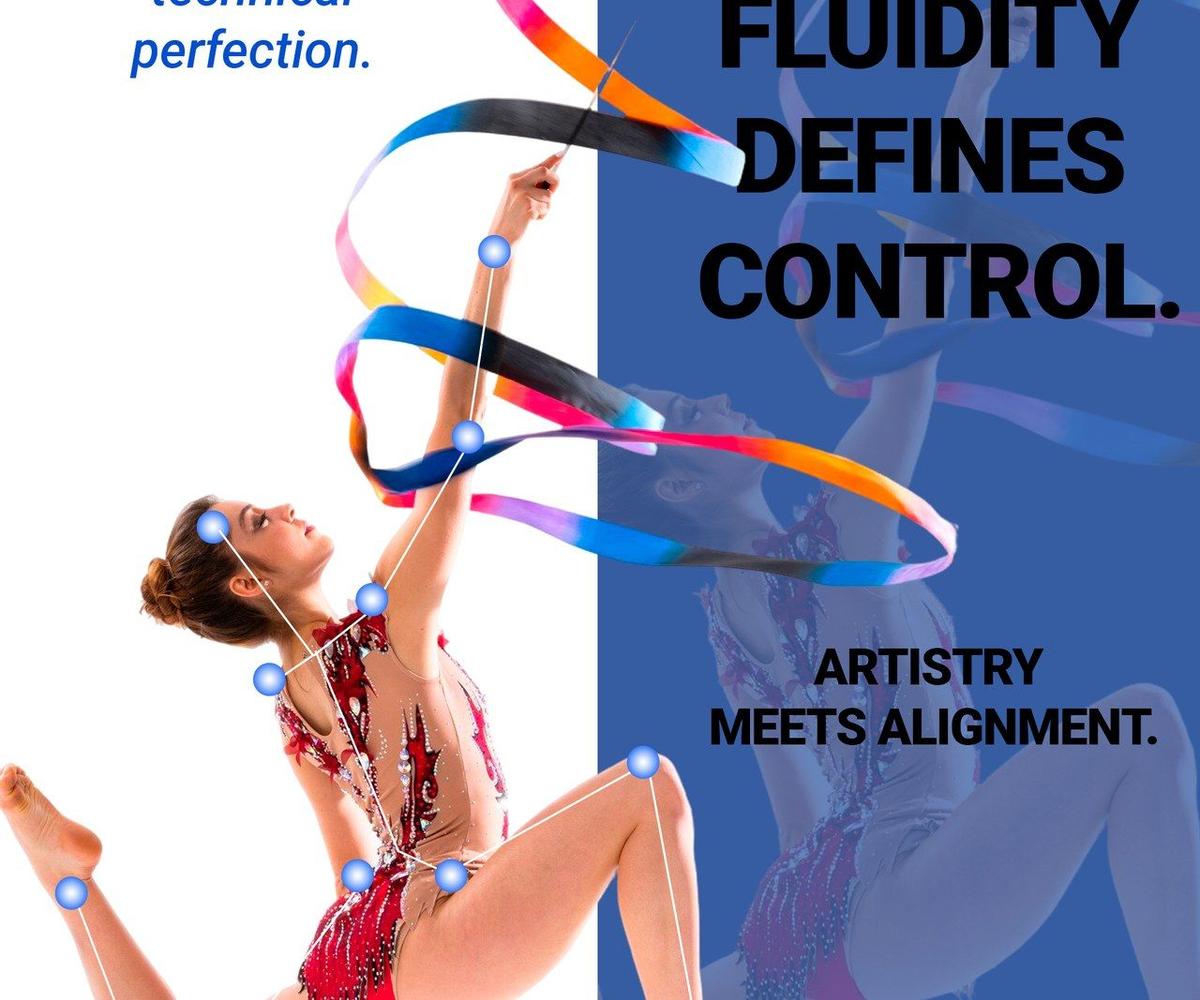
For deeper analysis, Path Track traces the center of mass or any joint through the movement, with joint angles shown on the athlete, which helps with leap shapes and travelling in rotations. SIVA, Sprongo's AI video assistant, can answer a focused question about a body position at a chosen moment. SIVA reads 2D video, it doesn't score routines, and it supports the coach rather than replacing them.
Coaching between sessions and from a distance
Video also lets coaches help when they can't be there: during holidays, when a gymnast is injured and watching from home, or for gymnasts who live far from the club. Gymnasts film the agreed homework, upload it, and the coach reviews when there's time. It's not a replacement for training in the hall, but it keeps progress going.
Preparing for competitions
In the weeks before a competition, video helps coaches make decisions with evidence rather than memory:
- Compare run-throughs from different weeks to see which routines are stable. In Sprongo, pick Compare from any clip, sync two attempts and slow them down, side by side or overlaid.
- Check that every planned body difficulty is clearly recognizable on video, since a very poorly performed element is not recognized by the Difficulty judges.
- Watch the routine at full speed with the music to check rhythm and connections, then slow down only the parts that need work.
- After the competition, add the competition video to the gymnast's playlist next to the training run-throughs.
Privacy and safeguarding
Clubs film children, so privacy has to come first:
- Get written consent from parents before filming, and explain how videos are stored and who can see them.
- Use member access so only the right coaches, gymnasts and parents can see each gymnast's clips. Who can join and see what depends on the team's privacy settings.
- Follow your national federation's safeguarding guidance and your club's policy.
- Never post clips publicly without explicit permission.
Which plan fits your club?
Team plans are purchased on the web: Small Team is $49 a month for up to 20 members, Large Team $99 for up to 100, and Extra Large $159 for up to 300. All include shared libraries and playlists, member management and coaching annotations. We can help you set up your club's workspace, athletes and coaches.
Bring your club's video into one place
Get your coaches and gymnasts into one shared library, with feedback that stays attached to the moment.
Talk to us about a team plan · Get PRO, $10/month · App Store · Google Play