Why your phone is a useful training tool
If you're the parent of a rhythmic gymnast, you probably already have hundreds of clips on your phone. Most of them get watched once, shared with grandparents, and forgotten. With a little planning, the same phone can help your daughter's coach see what happens at home, track progress across the season, and give feedback between sessions.
This guide is for parents, not coaches. The goal isn't to coach your child yourself. It's to film clips that are useful for the coach and for your gymnast, and to do it safely and respectfully.
The golden rule: follow the coach's plan
Before you film anything at home, ask the coach what they'd like to see. Most coaches will happily name two or three elements or apparatus skills to practice and film each week. Filming the coach's homework keeps everyone on the same page, and avoids your child practicing something the coach has asked her to change.
And leave the corrections to the coach. Your job is to film, encourage and send the clip.
Safety and wellbeing at home
- Warm up first, every time, as the coach has shown.
- Never push or force flexibility. Stretching should follow the coach's program and should never be painful.
- Use enough space and ceiling height for the apparatus, especially for throws, and keep pets, furniture and siblings out of the way.
- Practice on a suitable surface. Some families use a home practice carpet; hard floors are not ideal for jumps.
- Keep sessions short and positive. If your gymnast doesn't want to be filmed today, that's fine.
How to set up the camera at home
Home spaces are small, so framing matters more than in the gym.
- Use landscape (horizontal) video, because rhythmic gymnastics moves across the floor.
- Place the phone at about hip height on a tripod, a shelf or a stack of books. Avoid handheld filming.
- Step back far enough to keep her whole body and the apparatus in frame, including the ribbon and the top of a throw. If you can't fit a throw in frame, film throws in the club, not at home.
- Put the light in front of her, not behind her. A bright window behind the gymnast turns her into a silhouette.
- Film from the same spot each week, so clips compare fairly.
- Film several attempts in a row, not just the best one.
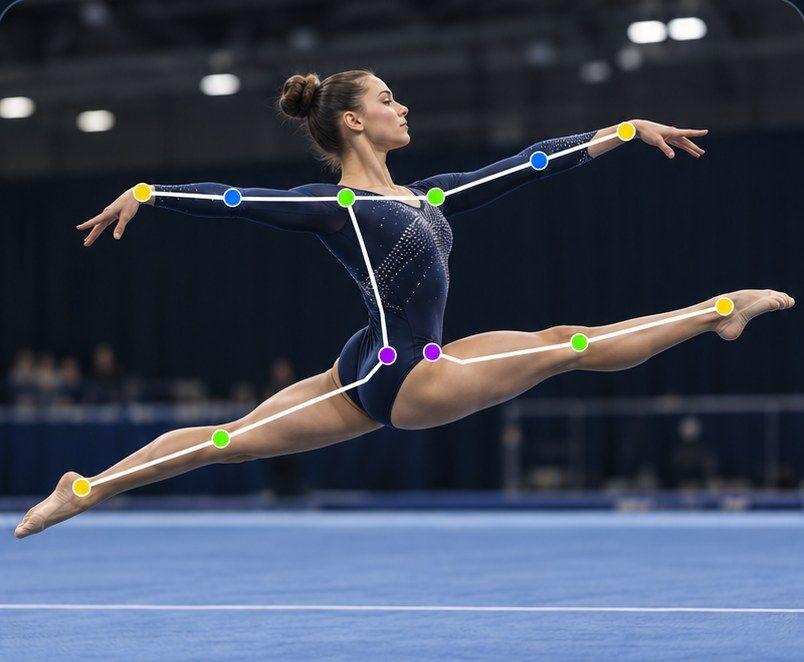
Which angle? For leaps, film from the side so the split shape is flat to the camera. For balances, the side shows leg height. For rotations, film from the front to see the supporting foot and count the turn. Our guide to leaps, balances and rotations on video goes into detail.
Filming the apparatus
Each apparatus has its own challenges on camera:
- Hoop: keep the whole hoop in frame during rolls and rotations; step back for passing through the hoop.
- Ball: film from a little further back so rolls along the arms and body and bounces off the floor stay visible.
- Clubs: mills and small circles are fast, so film closer and in good light.
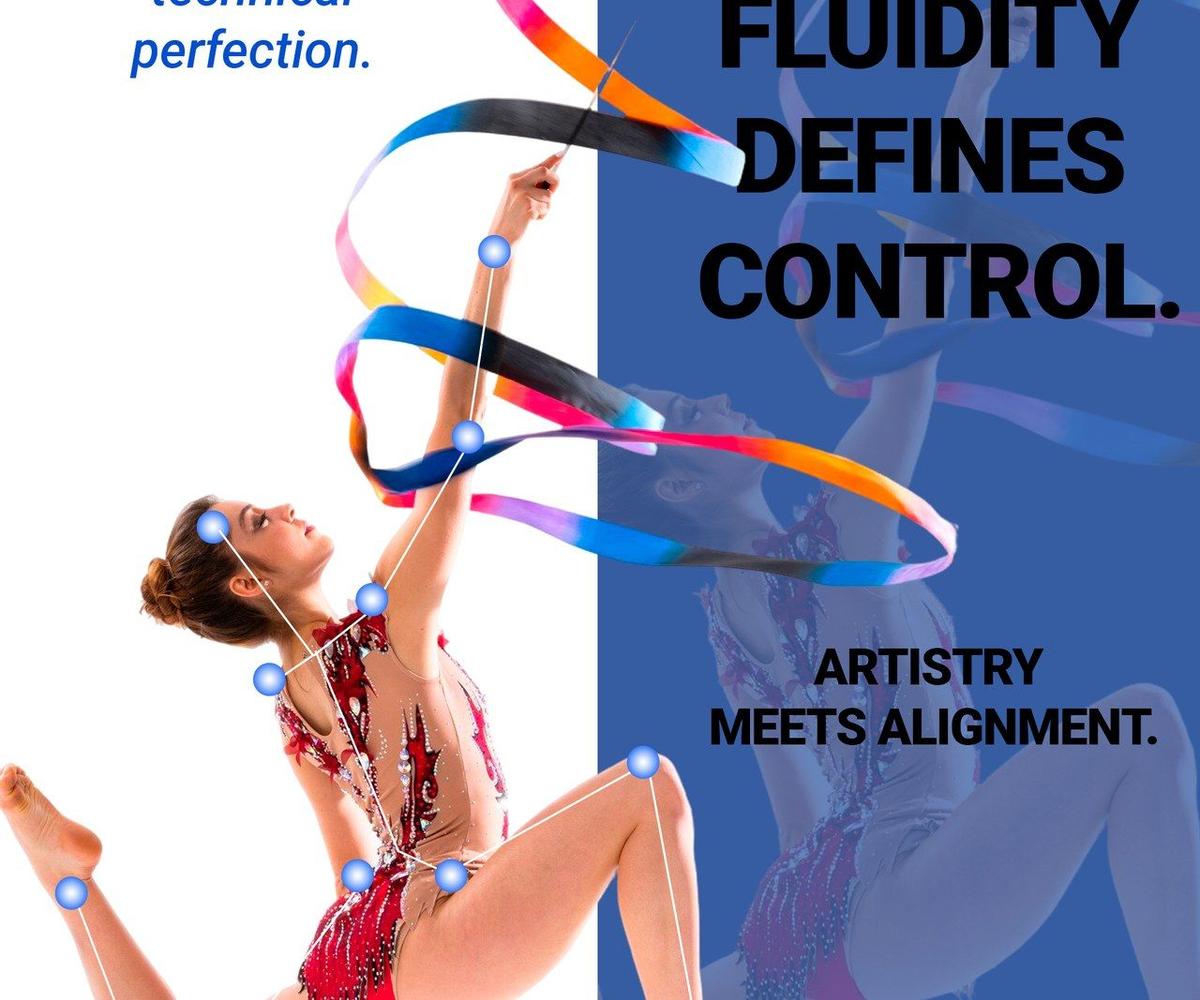
- Ribbon: the ribbon is long, so you need the most space. Keep the whole pattern in frame for spirals and snakes.
- Rope: rope is no longer part of the FIG individual program for juniors and seniors in 2025-2028, but many national and age-group programs still use it. Film skips and passing through the rope from the side.
Filming at competitions
Competition clips are precious, because that's when everything counts. A few tips:
- Check the competition's filming rules first. Some events restrict filming or flash, and many have rules about filming other children.
- Film your own gymnast only, and don't share clips showing other children without permission.
- Start recording before she takes her starting pose, and stop after the final pose. A routine lasts 1:15 to 1:30 in the FIG program, so don't cut it short.
- Use landscape, keep the whole carpet area she uses in frame, and zoom only a little. Heavy zoom makes the video shaky.
- Hold the phone steady with both hands, elbows tucked in, or use a small monopod if allowed.
Then send it to the coach. Many coaches use competition videos to plan the next block of training, and some families also use independent judge evaluation services for training feedback.
Keep the clips organized
After a season, you'll have hundreds of clips. A little organization makes them useful:
- Upload after each session, not at the end of the month.
- Say your gymnast's name at the start of the clip. In Sprongo, a name spoken in the first 5 seconds is tagged automatically.
- Tag clips by apparatus (hoop, ball, clubs, ribbon), element, and competition or practice.
- Make a playlist per apparatus and per season, and star the best attempts.
- Mark the key moment with a Moment, so the coach can jump straight to it.
Share with the coach, safely
Sending clips through family messaging apps means they get compressed, buried and scattered. In Sprongo, you can share the exact moment with the coach, and the coach can draw on the frame and leave a voice note, so the feedback stays with the video.
Sprongo PRO includes a group of up to 3 people, for example your gymnast, you and the coach. If her club uses a Sprongo team workspace, who can join and see what depends on the team's privacy settings.
Always follow your club's policy on filming and sharing videos of children.
Watch progress together
Once a month, sit down with your gymnast and compare a current clip with one from the start of the season. In Sprongo, pick Compare from any clip, sync the two and slow them down, side by side or overlaid. Seeing a higher leap or a steadier balance next to one from months ago is a big confidence boost, especially in a sport where progress can feel slow.
Get started
Sprongo PRO is $10 a month or $60 a year and works the same on iPhone, Android, tablet and the web, so you can film in the hall and the coach can review on a laptop.
Get PRO, $10/month · App Store · Google Play
Club coach? Talk to us about a team plan.