Data tells you what happened. Video tells you why.
College baseball has never had more data. Many programs use ball-flight systems such as Rapsodo or TrackMan for spin, movement and exit velocity, and bat sensors for swing metrics. Those numbers are powerful, but they describe the ball and the bat. When a pitcher's velocity drops or a hitter's launch angle changes, coaches still go back to the video to see what the body did differently.
That's where a simple, shared video workflow pays off. This guide covers how to film swings and deliveries so they're worth reviewing, what to look at, and how to keep a whole roster's video organized and connected to coaching feedback.
Film the swing
Use two angles, on different rounds if you only have one camera:
- Open side (facing the hitter's chest from the side): shows the stride, foot plant, hip and shoulder rotation, and the front knee and front side through contact.
- Behind the hitter, in line with the pitcher: shows bat path, posture and whether the hitter stays on line.
Camera tips:
- Tripod at about hip to chest height, never handheld, and not behind a fence or net that blocks the view.
- The whole body and bat in frame from load to finish.
- The same position every session, so swings compare fairly.
- Film a full round, not just the best swing.
What to check in the swing
Break the swing into moments and check the same things each time:
- Load: how the hitter gathers, and whether the head stays steady.
- Stride and foot plant: timing and direction of the stride, and where the front foot lands.
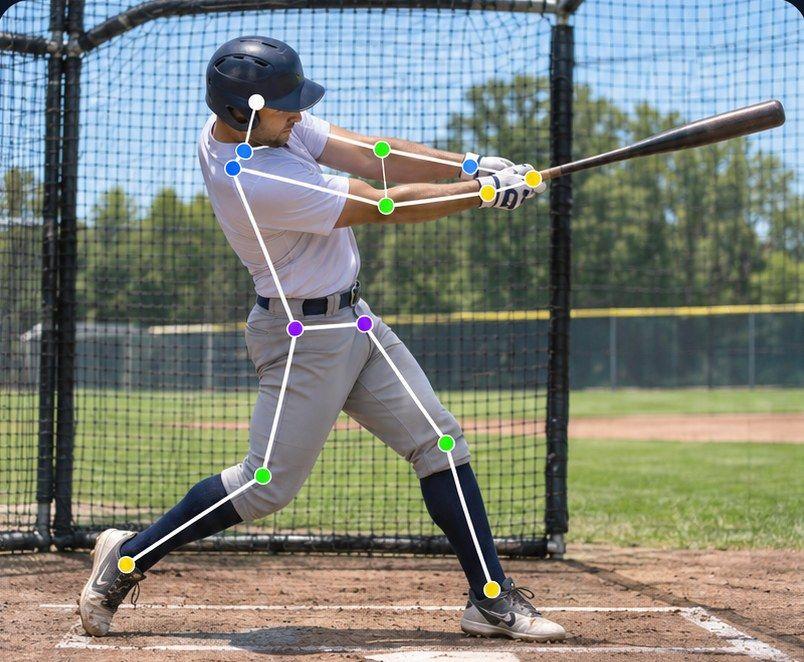
- Front knee from foot plant to contact: does it firm up and give the hips something to rotate against, or does it keep drifting forward?
- Rotation: hips leading the shoulders, rather than everything turning at once.
- Contact and finish: posture through contact and a balanced finish.
That front knee moment is exactly what our baseball example in Sprongo tracks, from foot plant to the swing.
Film the delivery
Pitching coaches typically want three angles: the open side, from behind the mound toward the plate, and from behind the plate toward the mound. The open side is the most useful single view for timing and lower-body mechanics.
Film several pitches in a row, including different pitch types, and keep the camera in the same spot every bullpen.
What to check in the delivery
- Leg lift and balance: a controlled, repeatable start.
- Stride: direction and length, and how the front foot lands.
- Foot strike: the position of the arm, trunk and front knee at the moment the front foot lands.
- Rotation: hips opening before the shoulders, and trunk position.
- Release: a consistent arm slot and release point from pitch to pitch.
- Finish: balance and follow-through.
Consistency matters as much as any single position. Comparing several pitches from the same bullpen often shows more than studying one.
Track one joint with Path Track
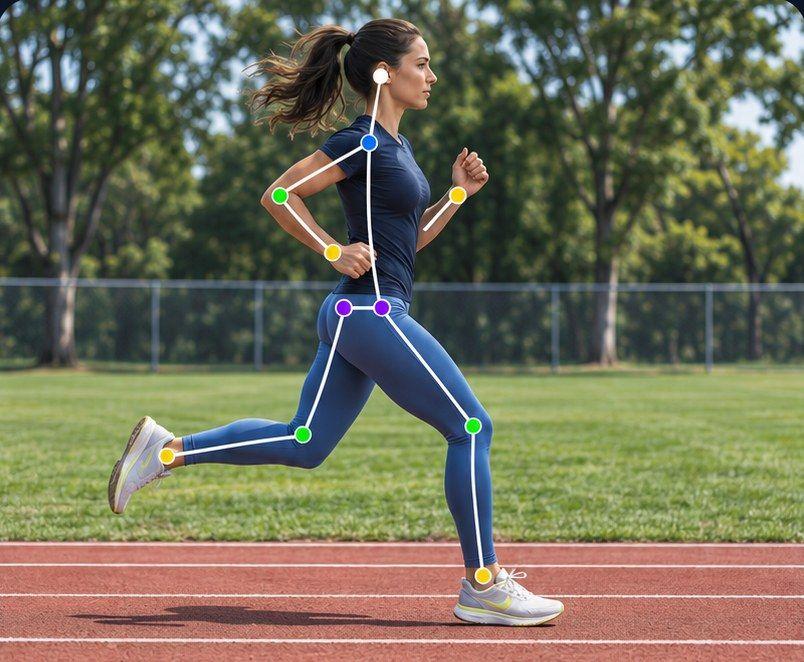
In Sprongo, Path Track traces the center of mass or any joint through the movement, in the color you choose, with joint angles shown on the athlete. For hitters, trace the front knee from foot plant through contact, or the center of mass to see how much the hitter drifts. For pitchers, trace the front knee through foot strike and release, or the center of mass down the mound.
Ask SIVA a focused question
SIVA, Sprongo's AI video assistant, answers a focused question about a clip using the movement data in it. Select a joint, choose the moment and ask, for example:
- "What does my front knee do from foot plant to contact?"
- "Is my front knee position at foot strike the same on these pitches?"
- "Does my head move during my load?"
SIVA tells you what it noticed and suggests a next focus. It reads 2D video, so a steady side-on view works best. It doesn't measure ball flight or velocity. It supports your staff; it doesn't replace them.
Compare to prove the change
When you change a cue or a drill, check it with video. In Sprongo, pick Compare from any clip, sync two swings or deliveries and slow them down to see exactly where they split, side by side or overlaid. Good comparisons:
- Before and after a mechanical change.
- A hitter's swing now against the fall.
- A pitcher's first and last bullpen pitches, to spot fatigue.
Line both clips up on the same moment, such as foot plant or foot strike.
Keep a roster organized
A 35-player roster filming every week generates a lot of video. A few habits keep it useful:
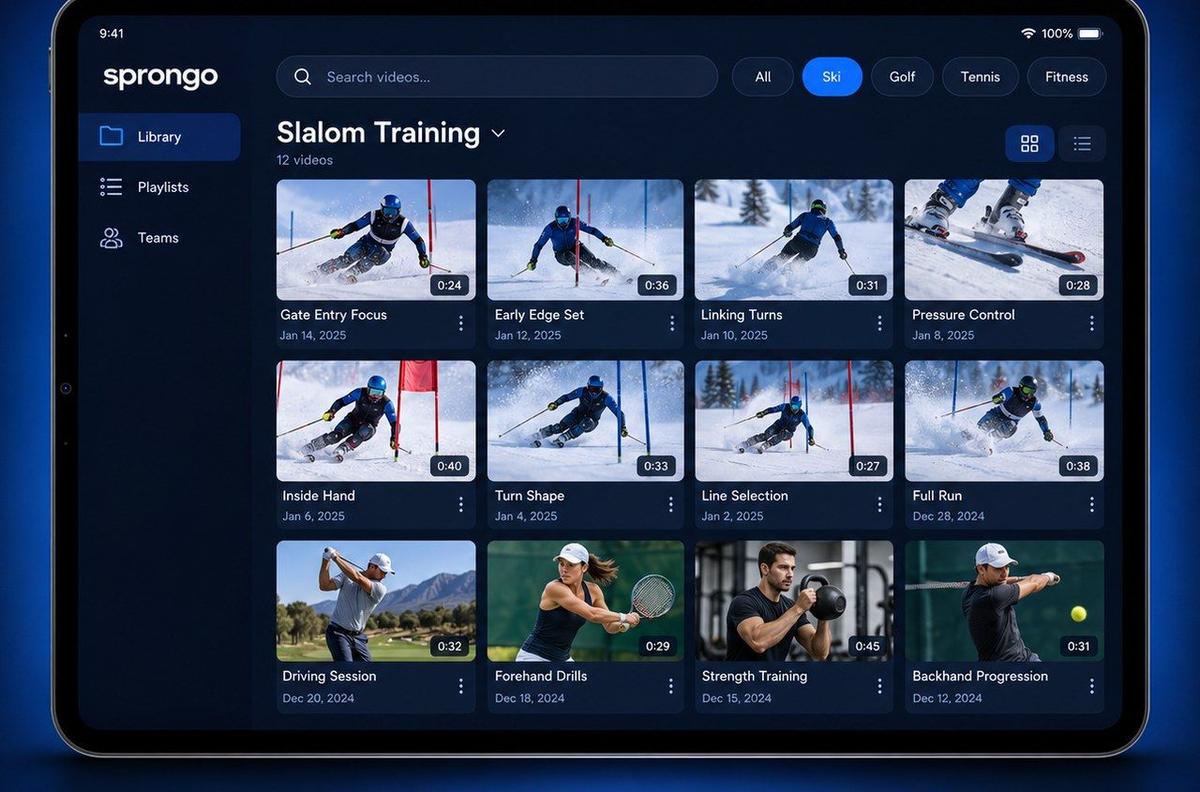
- Say the player's name at the start of the clip. In Sprongo, a name spoken in the first 5 seconds is tagged automatically.
- One playlist per player, and tags for hitting, pitching, catching and defense, and for fall, preseason and season.
- Star the reps that show a breakthrough, and mark the key frame with a Moment.
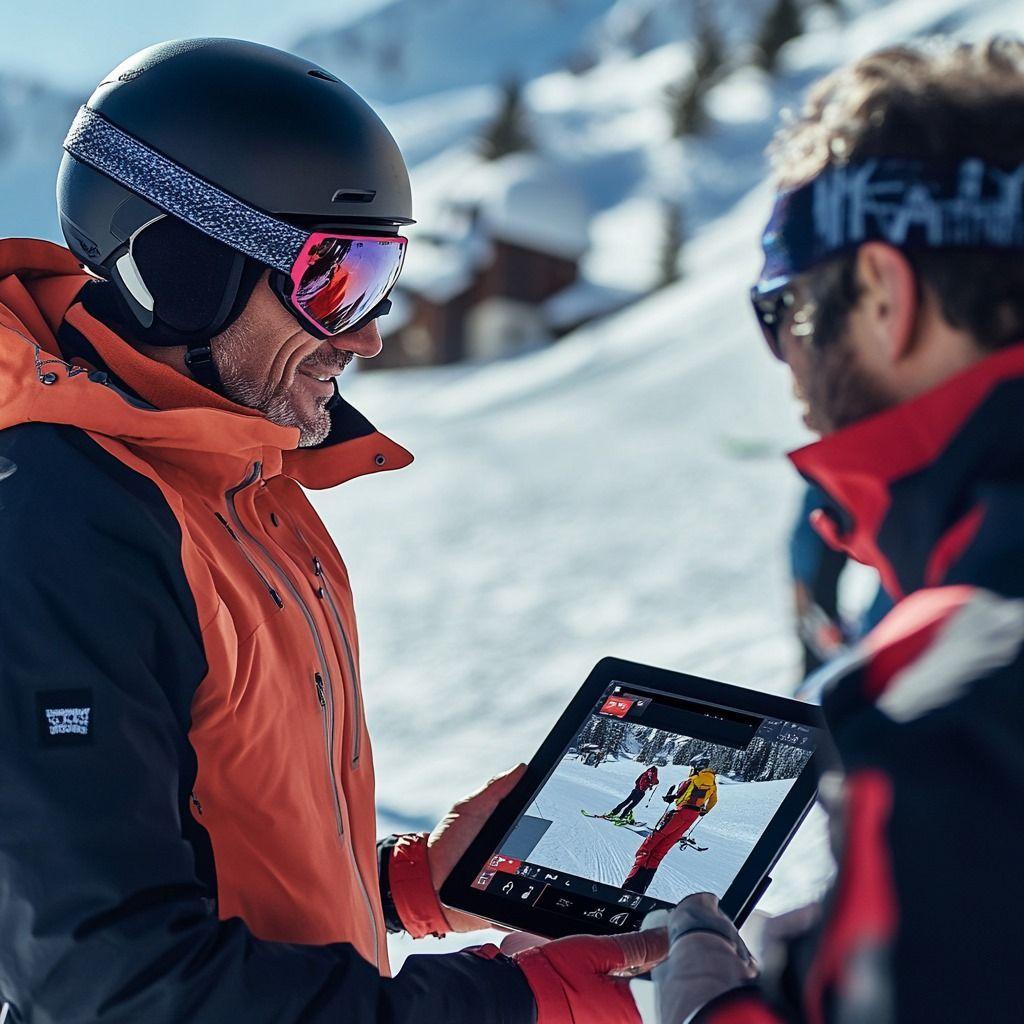
- Draw on the frame and leave a voice note, so the player gets the cue with the clip.
Sprongo works the same on iPhone, Android, tablet and the web, so a coach can film in the cage and review on a laptop in the office.
Staff sharing and team plans
Team workspaces give your program shared video libraries and team playlists, member management and coaching annotations, so hitting, pitching and head coaches all work from the same library. Who can join and see what depends on the team's privacy settings.
Team plans are purchased on the web: Small Team $49 a month for up to 20 members, Large Team $99 for up to 100, and Extra Large $159 for up to 300.
Where Sprongo fits next to your data tools
Sprongo isn't a radar or a ball-flight tracker. Use it alongside those tools as the place where your staff and players review the body's movement, share feedback, and track changes over a season.
Get your staff on one library
Give hitting, pitching and head coaches one shared place to film, review and send feedback.
Talk to us about a team plan · Get PRO, $10/month · App Store · Google Play