Why jumps and sprints need video
Jumps and sprints are decided in tiny moments: the last two steps before the board, the angle of the shin at block clearance, the knee at takeoff. Even experienced coaches can't see all of it live, and athletes can't feel most of it. Video slows those moments down, and it gives athletes and coaches the same picture to talk about.
This guide covers how to film and review the jumps and sprints phase by phase, and how a team can keep video organized across a whole event group.
Camera setup
Most running and jumping events film best side-on, square to the direction of travel, because that view shows joint angles and stride mechanics clearly.
- Tripod at about hip height, steady, in landscape.
- Square to the runway or lane, far enough back to hold the phase you care about.
- Don't zoom or pan during the attempt unless you have to follow a long approach; a wide fixed shot is easier to analyze.
- Film from the same spot each session so clips compare fairly.
- Film several attempts, not just the best one.
For jumps, film from the athlete's open side. For high jump, add a second clip at about 45 degrees to the bar to see the curve of the approach.
Long jump and triple jump: what to check
Frame the last four to six strides, the board and the landing in one shot.
- Approach: is the athlete accelerating smoothly to the board, or reaching and chopping steps at the end?
- Penultimate step: many coaches look for a slightly longer second-to-last step that lowers the hips before takeoff.
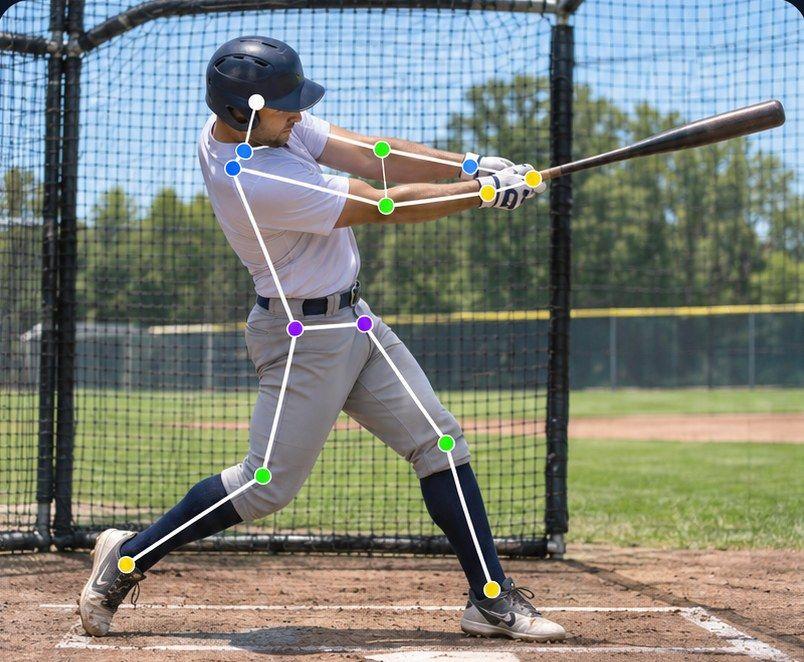
- Takeoff: the takeoff foot planting under or slightly ahead of the body, and the takeoff knee firming up rather than collapsing from plant to toe-off.
- Flight: posture and the chosen technique (for example sail, hang or hitch-kick), and balance in the air.
- Landing: legs extended forward without falling back.
For triple jump, keep the hop, step and jump in one unbroken shot so you can judge the rhythm between phases.
Our long jump example in Sprongo tracks exactly one of those moments: the takeoff knee from plant to toe-off.
High jump: what to check
- Approach: the straight part and the curve, and whether the athlete leans into the curve or cuts it.
- Last steps: rhythm and lowering before takeoff.
- Takeoff: the plant foot and the drive of the free knee and arms.
- Clearance: when the athlete turns, arches and lifts the legs over the bar.
Film the misses too. A clipped bar often teaches more than a clearance.
Sprints and hurdles: what to check
Frame the phase you want rather than the whole race: the blocks to about 15 metres for a start, or a full stride cycle for top speed.
- Block start: set position, the first push and the angle of the body out of the blocks.
- Acceleration: gradually rising posture over the first steps, without popping up early.
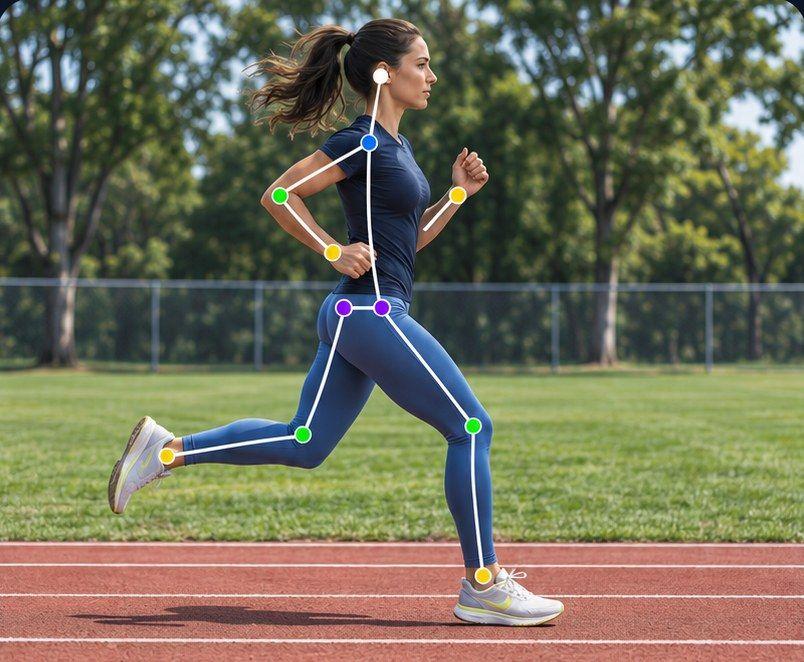
- Top speed: upright posture, front-side mechanics, and the foot landing close to under the hips.
- Hurdles: lead leg, trail leg clearance and where the lead foot lands after the hurdle.
Use Path Track to see the pattern
In Sprongo, Path Track traces the center of mass or any joint through the movement, in the color you choose, with joint angles shown on the athlete.
- Jumps: trace the center of mass through the last steps and takeoff to see whether the hips lower and then rise, or trace the takeoff knee to see its angle from plant to toe-off.
- Sprints: trace the hip to see how posture rises through acceleration, or the knee through a full stride.
Ask SIVA a focused question
SIVA, Sprongo's AI video assistant, answers a focused question about a clip using the movement data in it. Select a joint, choose the moment and ask, for example:
- "What does my takeoff knee do from plant to toe-off?"
- "Does my hip drop in the last two steps before the board?"
- "How does my body angle change over the first five steps out of the blocks?"
SIVA tells you what it noticed and suggests a next focus. It reads 2D video, so a steady side-on view gives the best answers. It doesn't time races or measure marks. It supports your coach; it doesn't replace them.
Compare attempts and sessions
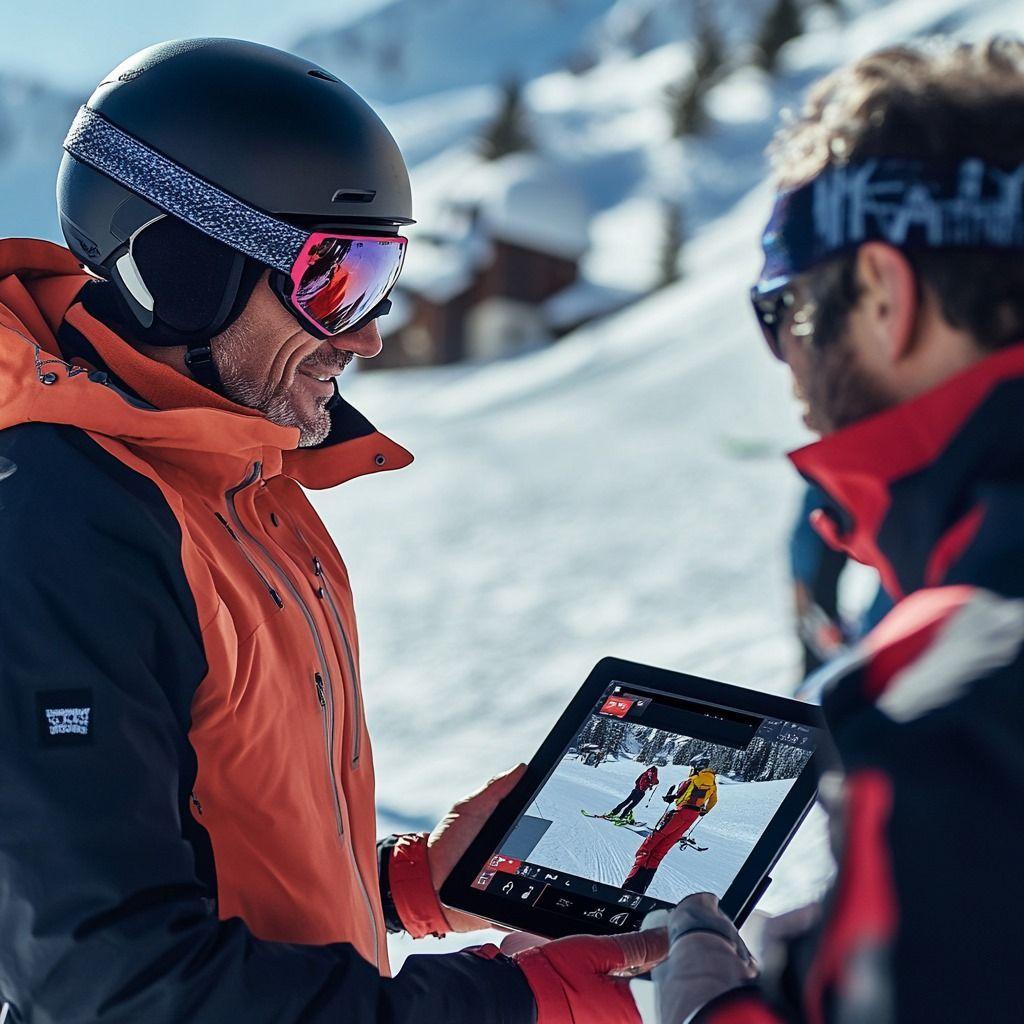
In Sprongo, pick Compare from any clip, sync two attempts and slow them down to see exactly where they split, side by side or overlaid. Useful comparisons:
- A good jump and a foul from the same series.
- This week's block start against last month's.
- Indoor season against outdoor season.
Line both clips up on the same moment, such as takeoff or the first step out of the blocks.
Organizing a whole event group
College track programs cover sprints, hurdles, jumps, throws and distance, often with a different coach for each. A shared library keeps everyone working from the same video:
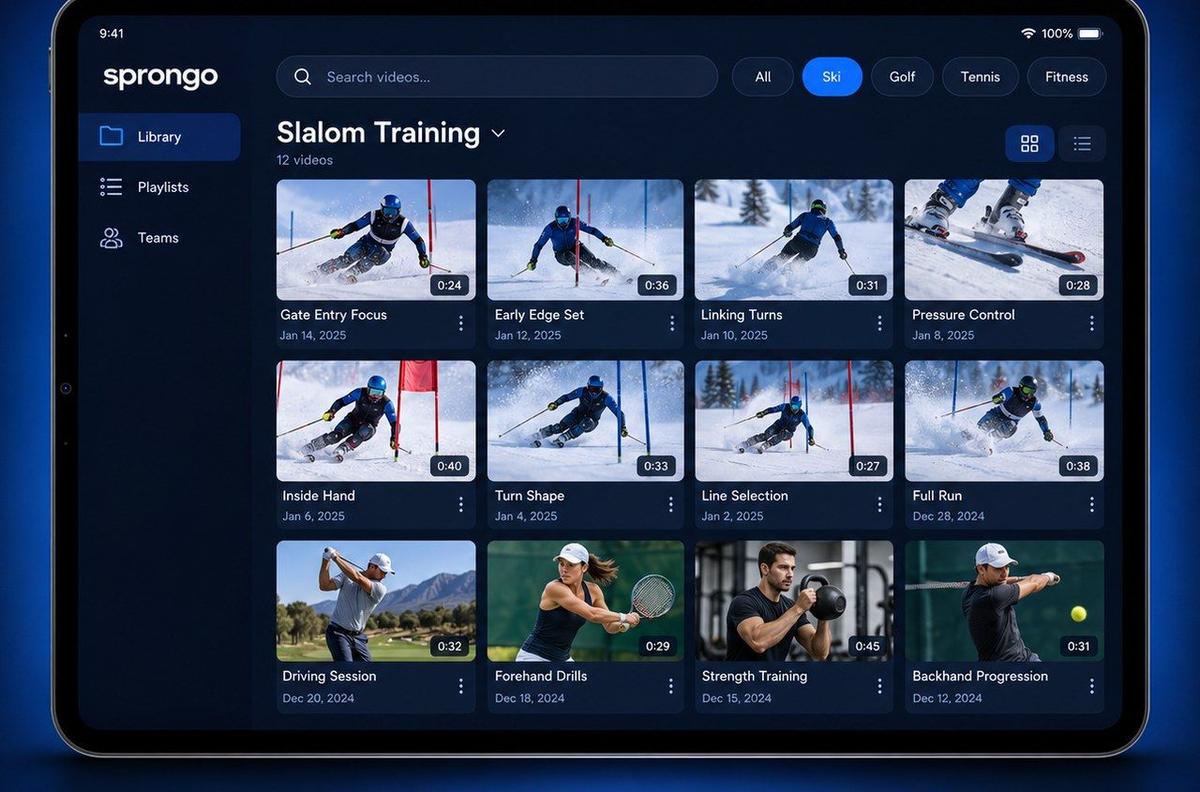
- Say the athlete's name at the start of the clip. In Sprongo, a name spoken in the first 5 seconds is tagged automatically.
- One playlist per athlete, and tags for event, phase and meet.
- Star the best attempts and mark key frames with a Moment.
- Draw on the frame and leave a voice note so athletes get the cue with the clip.
Team workspaces give your program shared video libraries and team playlists, member management and coaching annotations. Team plans are $49 a month for up to 20 members, $99 for up to 100, and $159 for up to 300, purchased on the web.
Common mistakes
- Filming jumps from the front or from behind the pit, where the takeoff is hidden.
- Cutting off the approach, which is where most jumps are won or lost.
- Panning and zooming wildly during sprints.
- Comparing clips from different angles.
- Only filming the best attempt.
Get your event group on video
Give your jumps and sprints group one shared library for training and meet footage.
Talk to us about a team plan · Get PRO, $10/month · App Store · Google Play