What college coaches actually want
College coaches watch a lot of recruiting video, and they decide fast. Recruiting services and coaches give remarkably consistent advice:
- Keep it short. Most guidance says 3 to 5 minutes, with your best material in the first 30 to 60 seconds.
- Show the skill, not the production. Skip music, long intros and flashy edits.
- Show consecutive reps, not just one perfect one, so coaches can see you repeat it.
- Use more than one angle for technique-heavy skills.
- Back it up with verified numbers: official times and marks, or measured velocities.
- Make it one click to watch. Send a link, not a huge attachment.
Several guides also warn against slow motion and replays in the video you send, because coaches want to see real speed. Use slow motion to improve, and real speed to impress.
Before you film: plan the shot list
Write down the two or three things that make you a recruit at your position or event, and plan the video around them. A few minutes of planning saves hours of footage nobody watches.
A simple structure:
- A title card: name, grad year, school and club, position or events, key verified numbers, contact details, and your coach's contact details.
- Your strongest skill or event first.
- Game or competition footage.
- Skill or drill footage from clear angles.
Camera basics for every sport
- Use a tripod at about hip to chest height. Shaky video gets skipped.
- Film in landscape.
- Keep the whole athlete and the equipment in frame from start to finish.
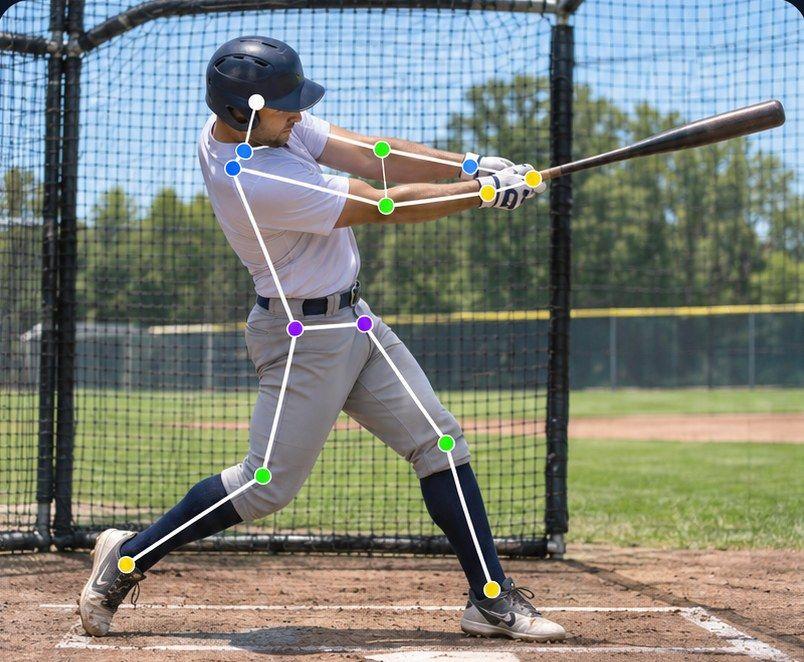
- Don't film through fences, nets or crowds if you can avoid it.
- Don't zoom during the rep. Frame it wide and leave it.
- Start recording before the movement and stop after it ends, including the result.
- Keep the person filming quiet. Some coaches listen to the sound of the bat or the glove.
Sport by sport
Baseball
Coaches commonly ask for:
- Pitchers: several pitches from multiple angles (the open side, behind the mound and behind the plate), different pitch types, and velocity readings.
- Hitters: consecutive swings from the open side and from behind, live at-bats where possible, and where the ball went.
- Position players: fielding, footwork and throws, showing the full play from catch to throw.
- Catchers: receiving, blocking and throws to bases.
- A verified 60-yard time if speed is a strength.
Track and field
Recruiting guides agree that verified marks matter more than video, but video helps jumpers, hurdlers and throwers most:
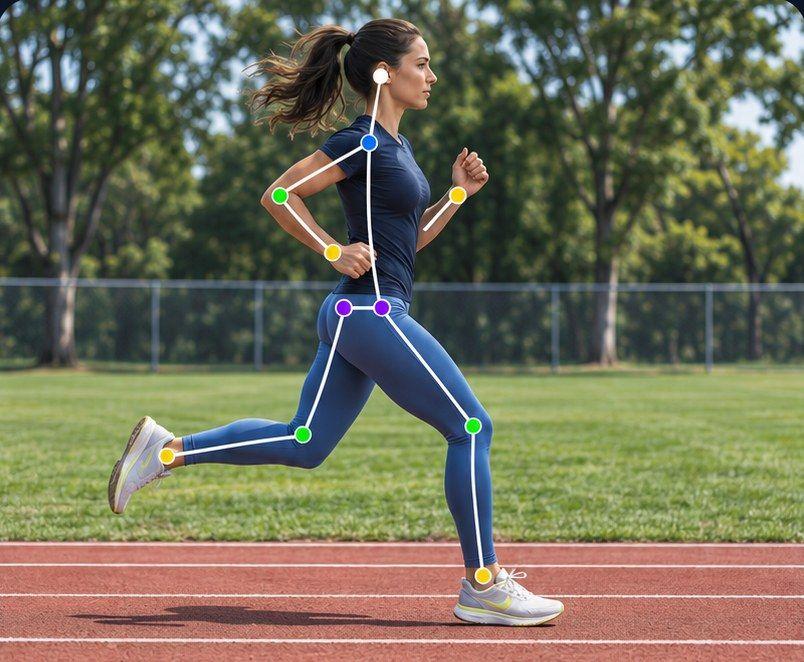
- Sprinters and hurdlers: side-on footage of the full race, including the block start.
- Jumpers: film from the open side and include the whole approach, the penultimate step, takeoff, flight and landing. Guides suggest showing 10 to 15 attempts.
- Throwers: film from behind or about 45 degrees to show rotation and footwork, with the distance after each throw.
- Distance runners: race footage that shows positioning and finish.
Always list fully automatic times, not hand times, and the implement weight for throws.
Golf
Film full swings from face-on and down-the-line, a few short game and putting clips, and on-course shots that show ball flight. Add your tournament scores and rankings.
Alpine skiing
Film full race runs or training courses from the side of the hill, with the skier in frame through several gates. Add results and points.
Nordic skiing
Film skate and classic technique side-on on terrain where coaches can see the full cycle, plus race footage, and list results.
Use video to get better first
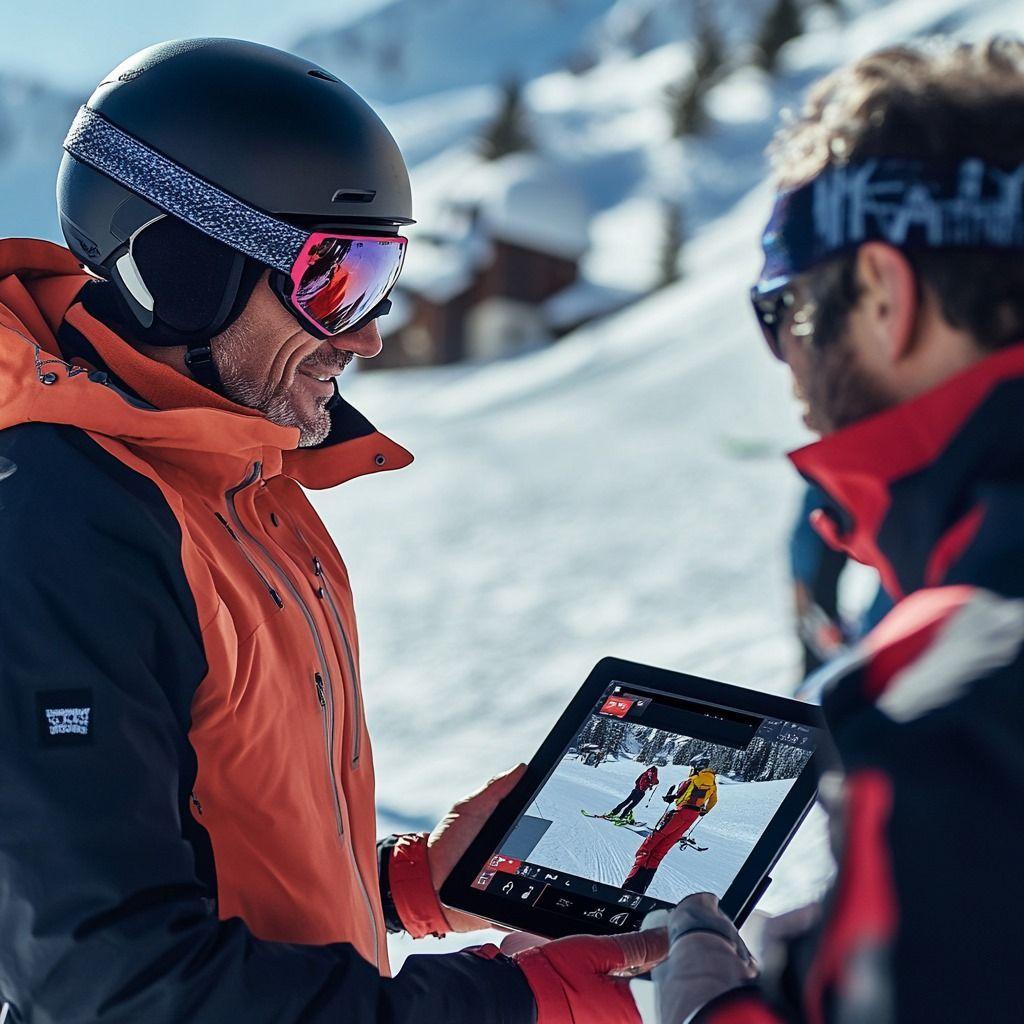
The best recruiting video is filmed by an athlete who has been using video to improve. Review your technique in slow motion during training, then send coaches real-speed footage of the improved version.
Sprongo is built for that training side. Compare lets you sync two attempts and slow them down, side by side or overlaid, so you can check that a change actually showed up. Path Track traces the center of mass or any joint through the movement, with joint angles shown on the athlete. And SIVA, Sprongo's AI video assistant, answers a focused question about a clip, tells you what it noticed and suggests a next focus. It supports your coach; it doesn't replace them.
Stay organized all season
Recruiting video comes from a whole season of clips, filmed by parents, coaches and teammates. Keep it in one place:
- Upload after every game or meet.
- Say the athlete's name at the start of each clip. In Sprongo, a name spoken in the first 5 seconds is tagged automatically.
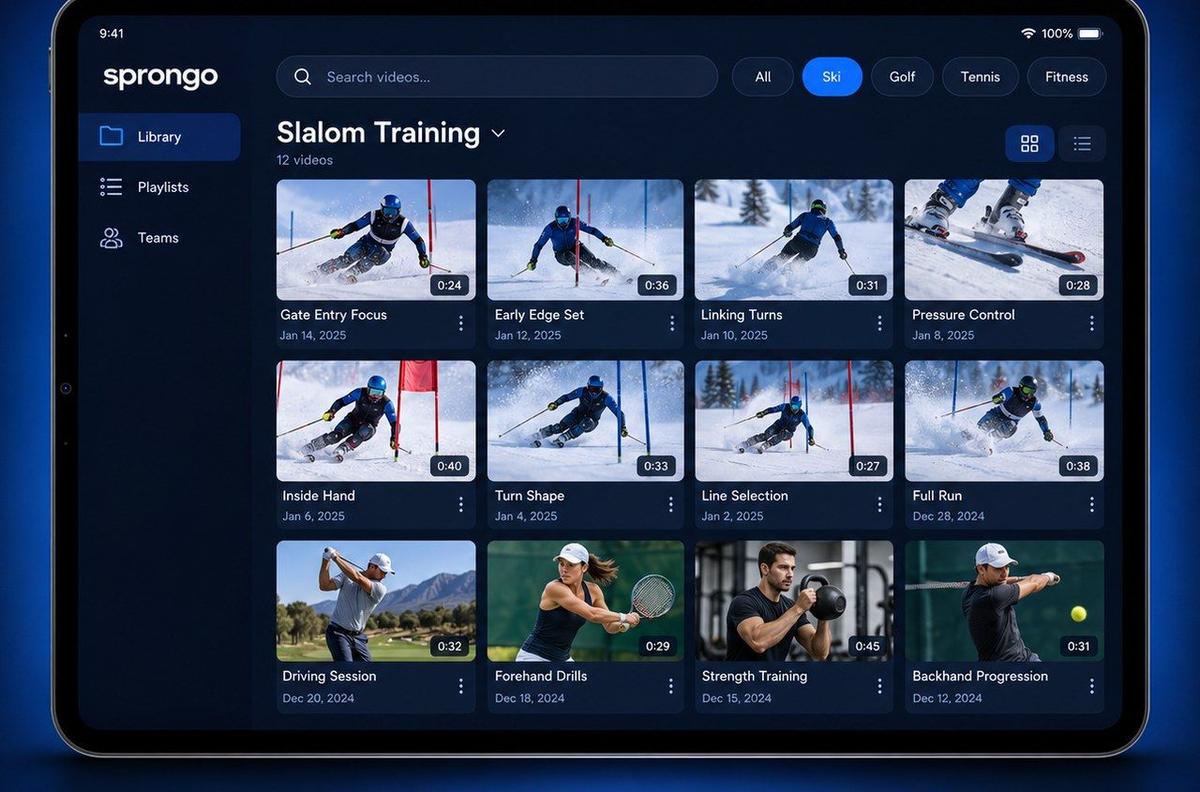
- Tag clips by skill or event and by game or meet, and star the best reps.
- Build a "Recruiting" playlist as the season goes, so the shortlist is ready when it's time to edit.
- Mark the exact moment with a Moment so you can find it again in seconds.
Sprongo works the same on iPhone, Android, tablet and the web, so a parent can film at the game and the athlete can review on a laptop. When the highlight reel is ready, upload the final edited video to the platform the coach uses.
Common mistakes
- Videos longer than five minutes, or best clips buried at the end.
- Music, special effects and slow-motion replays.
- Only one perfect rep.
- Shaky, zoomed-in or blocked footage.
- Unverified or projected numbers.
- Out-of-date footage. Update the video as you improve.
Follow the rules
The NCAA sets rules on when and how college coaches can contact recruits, and they differ by sport and division. Check the current rules on ncaa.org and with your high school or club coach.
Start building your season library
Get PRO, $10/month · App Store · Google Play
High school or club program? Talk to us about a team plan.