What a video analysis app should do
There are more sports video apps than ever, and they're built for very different jobs. A team that needs full-game film has different needs from a ski coach reviewing turns or an archer working on stability at full draw. Before comparing names, check that an app covers the basics a coach or athlete actually uses every week:
- Record or import clips from your phone, and keep them in one place.
- Slow footage down and step through it frame by frame.
- Compare two attempts, side by side or overlaid.
- Draw on the frame and explain what you see, ideally with your voice.
- Share the exact moment with an athlete, a coach or a team.
- Work on the devices you and your athletes already own.
Then look at what sets each tool apart.
The apps at a glance
| App | Best for | Devices | Starting price |
|---|---|---|---|
| Sprongo | Any sport you can film, with AI feedback (SIVA) and team workspaces | iPhone, Android, tablet and web, same features everywhere | PRO $10/month or $60/year; team plans from $49/month |
| Onform | Individual coaching with messaging and multi-camera capture; 3D tools for golf | iPhone and iPad; fewer features on Android; web app | Coach plans about $19.99 to $59.99/month |
| CoachNow | A shared space per athlete, and groups for teams | iPhone, iPad, Android, Mac and web; analysis in the mobile apps | From $9.99/month; PRO $49.99/month |
| Dartfish | Professional analysis suites for institutions | Mobile apps plus Windows desktop | Mobile from about 7 EUR/month billed yearly |
| Kinovea | Detailed measurement on a computer | Windows desktop | Free |
| Hudl | Team and full-game film, tagging and distribution | Web and mobile | Varies by program |
Prices, trials and device support change, so confirm the latest details on each company's site before you buy.
Sprongo
Sprongo is built around one workflow for every sport: capture the attempt, compare what changed, understand what matters, and take the next step. We've recorded examples in skiing, archery, baseball, long jump, rowing and race walking, and the same steps work for any sport you can film.
What stands out:
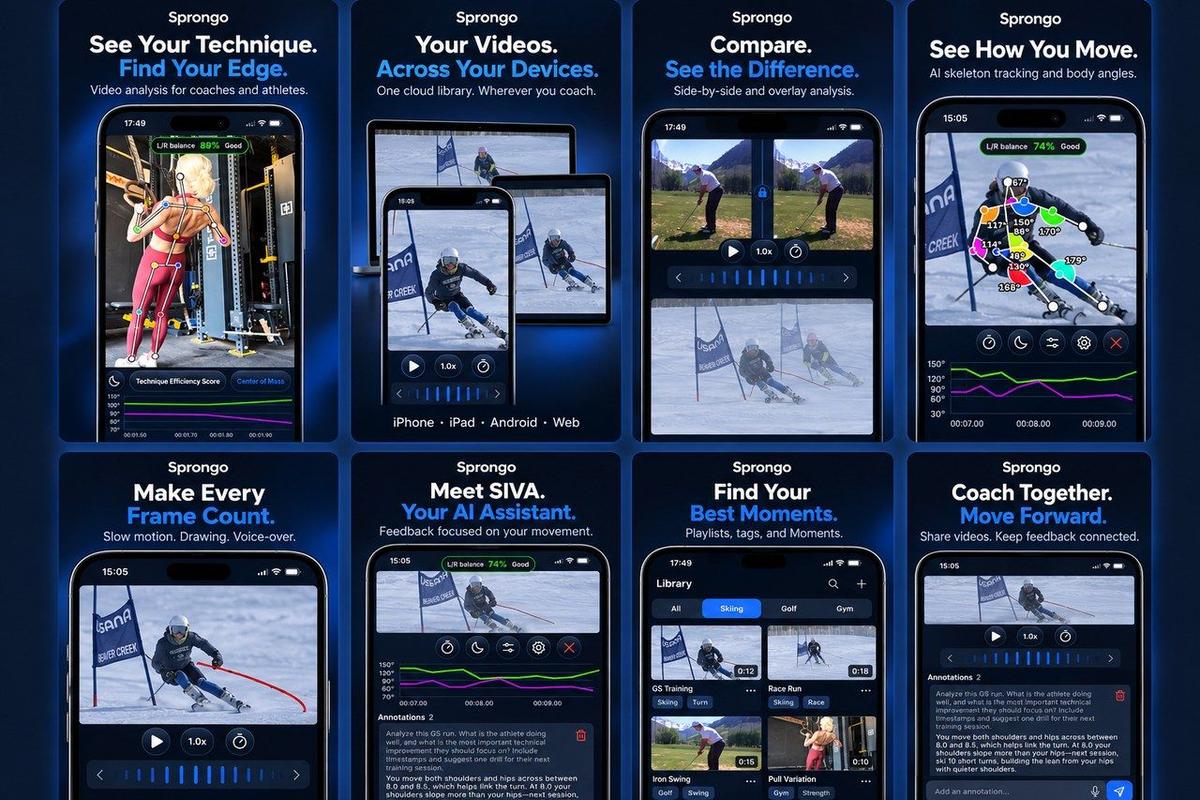
- SIVA, Sprongo's AI video assistant. Select a joint, choose the moment and ask a focused question. SIVA answers using the movement data in the clip, tells you what it noticed, and suggests a next focus. PRO includes 3 SIVA feedbacks a month, with more credits available in the app.
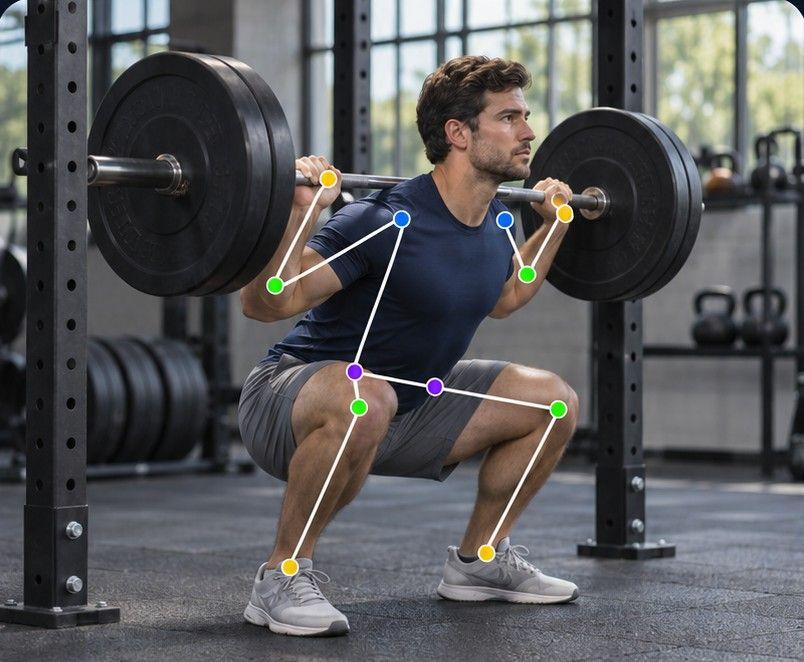
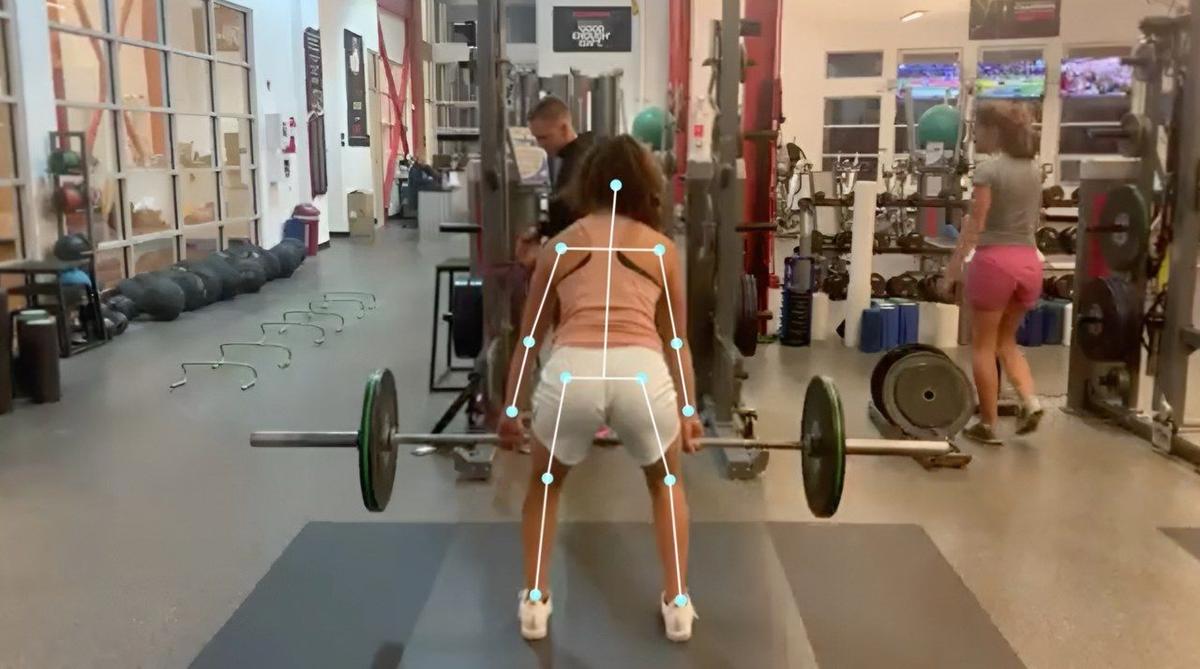
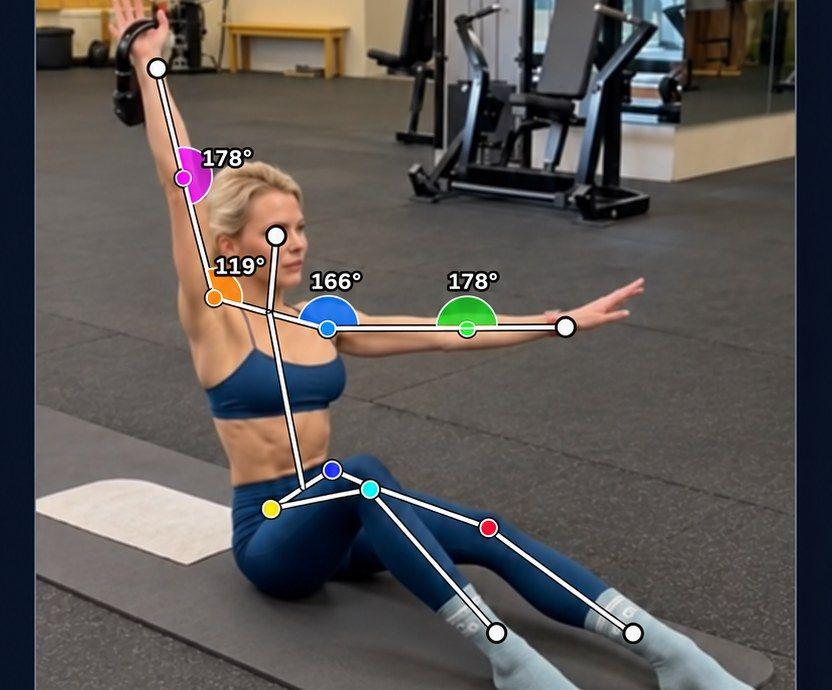
- Path Track traces the center of mass or any joint through the movement, with joint angles shown on the athlete.
- Compare lets you sync two runs, view them side by side or overlaid, and slow them down to see exactly where they split.
- Feedback stays with the video. Draw on the frame, leave a voice note and share the moment.
- An organized library with playlists, tags and Moments, plus auto-tagging: say an athlete's name in the first 5 seconds of a video and Sprongo tags them.
- The same app and features on iPhone, Android, tablet and the web, with one account.
Pricing: PRO is $10 a month, or $60 a year (save 50%), and includes a group of up to 3 people. Team plans are $49 a month for up to 20 members, $99 for up to 100 and $159 for up to 300, with shared libraries, member management and coaching annotations.
Worth knowing: SIVA reads 2D video, so a stable camera with the athlete fully in view gives the best results. A subscription is needed to use the app.
Onform
Onform is a mobile-first coaching app with chat built in. It's especially strong in golf, where its top plans add 3D analysis and launch monitor integrations, and it publishes a lot of coaching content for golf, baseball and track and field. Third-party roundups list coach plans from about $19.99 to $59.99 a month with a 14-day trial, and note fewer features on Android.
Choose it if: you coach golf on iPhone or iPad and want 3D and launch monitor data.
CoachNow
CoachNow is built around a shared space for each athlete and groups for teams. Roundups list an entry plan from $9.99 a month and a PRO membership at $49.99 a month, with analysis in the iPhone and Android apps and the web app used for viewing and commenting.
Choose it if: your main need is organizing communication with many athletes.
Dartfish
Dartfish is a long-established professional suite used at elite level, with mobile apps and Windows desktop software. Its mobile plans start low, while advanced desktop tiers are priced for institutions.
Choose it if: you're a federation or institution with a dedicated analyst.
Kinovea
Kinovea is free, open-source software for Windows, strong on measurement such as angles, distances and tracking. It isn't a phone app and isn't built for sharing feedback with athletes.
Choose it if: you do detailed technical work at a computer and don't need to share clips from your phone.
Hudl
Hudl is the established name for team sports and full-game film, widely used in school and college programs, with tagging and distribution to the whole team.
Choose it if: you review whole games rather than individual technique.
How to choose in three questions
- What are you reviewing? Individual technique (a turn, a swing, a jump) points to a technique app like Sprongo. Whole games point to team film tools.
- Who needs to see it? If athletes and coaches use different phones, check that the app works the same on iPhone, Android and the web.
- How will feedback get back to the athlete? If it means exporting, uploading and pasting a link, you'll stop doing it by mid-season. Look for drawing, voice notes and sharing inside the app.
Then test it in a real session, not at your desk. Film three reps, compare two of them, and send one piece of feedback. You'll know within a week whether it fits.
Our take
If you coach or train in one sport and want deep sport-specific add-ons, a specialist tool may suit you. If you want one simple workflow for any sport you can film, AI feedback on the moments that matter, and the same app on every device for $10 a month, try Sprongo.
Get PRO, $10/month · App Store · Google Play
Coaching a club or team? See team plans.