Ask one clear question about one moment
Once you have selected a moment, you can ask SIVA, Sprongo's AI video assistant, what to look at. SIVA (Sprongo Intelligent Video Analytics) is Sprongo's AI feedback feature. It works best when the question names your sport, the movement, and the one thing you want feedback on.
Why it matters: a vague prompt, such as “What do you think?”, gives you a vague answer. A focused question, such as “Look at my turn entry. What should I focus on next run?”, gives you something you can check against the video and take into the next attempt. You still decide whether the suggestion is the right one for this athlete.
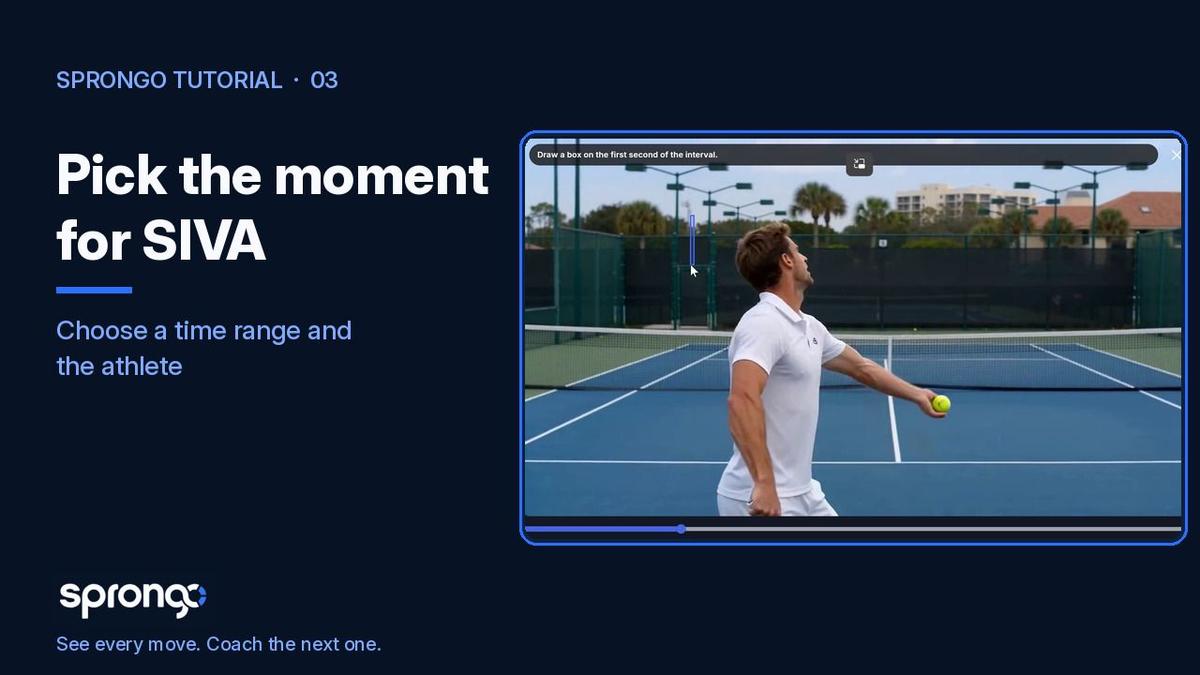
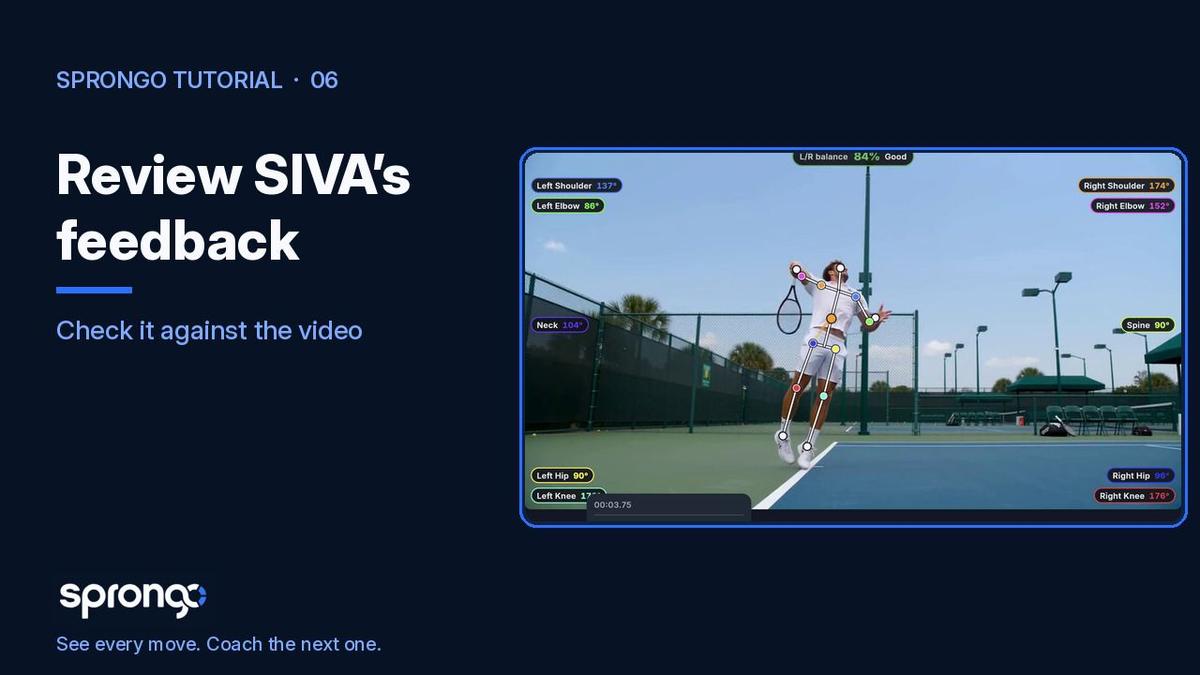
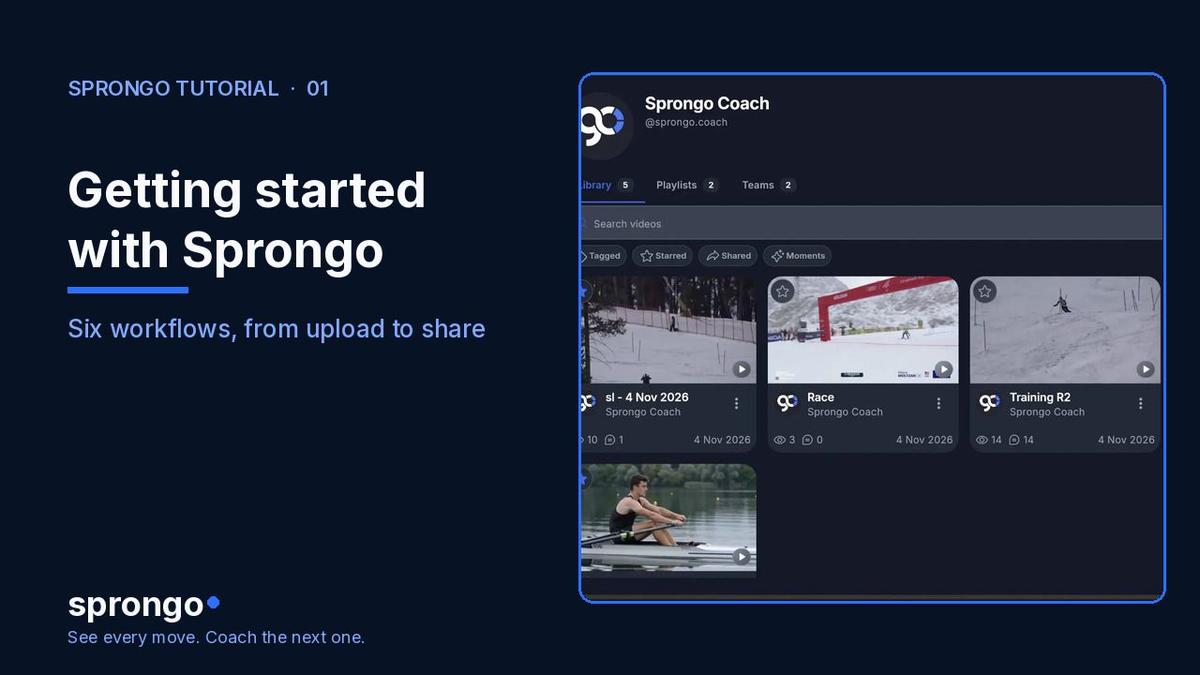
This follows How to select a moment for SIVA and precedes How to review SIVA's feedback. The wider loop is in Getting started with Sprongo: six workflows. For what SIVA can and can't see, read What Is SIVA?.
How to write the question
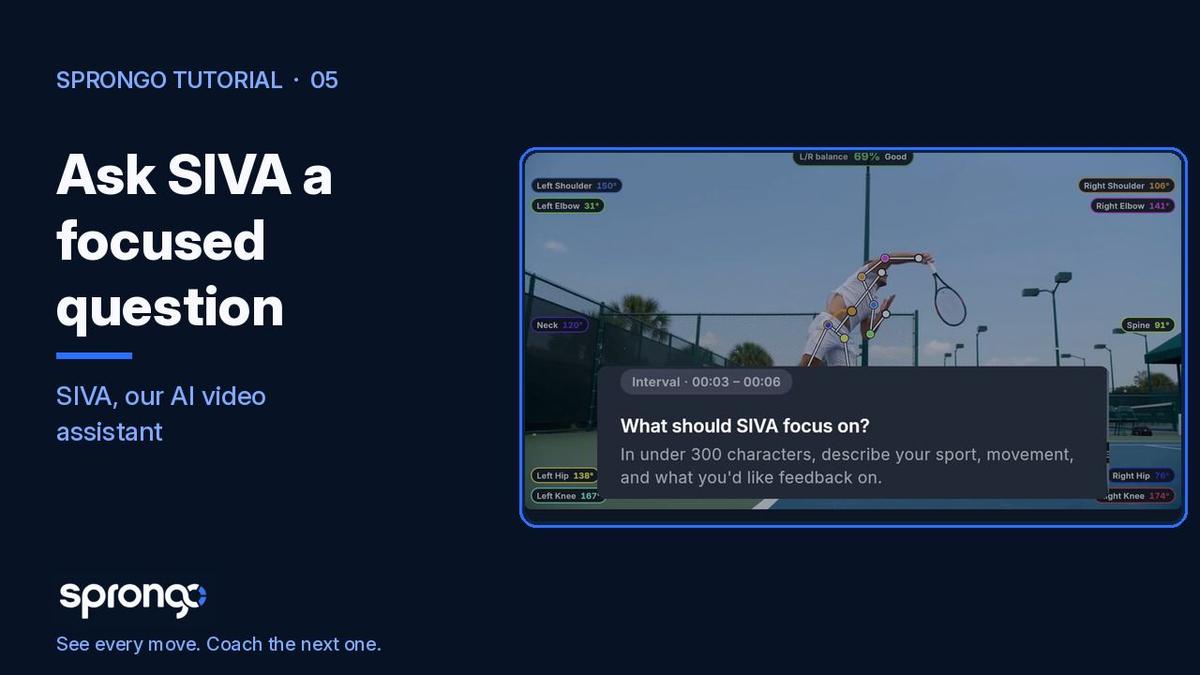
- With your moment selected, open SIVA. The dialog asks what SIVA should focus on.
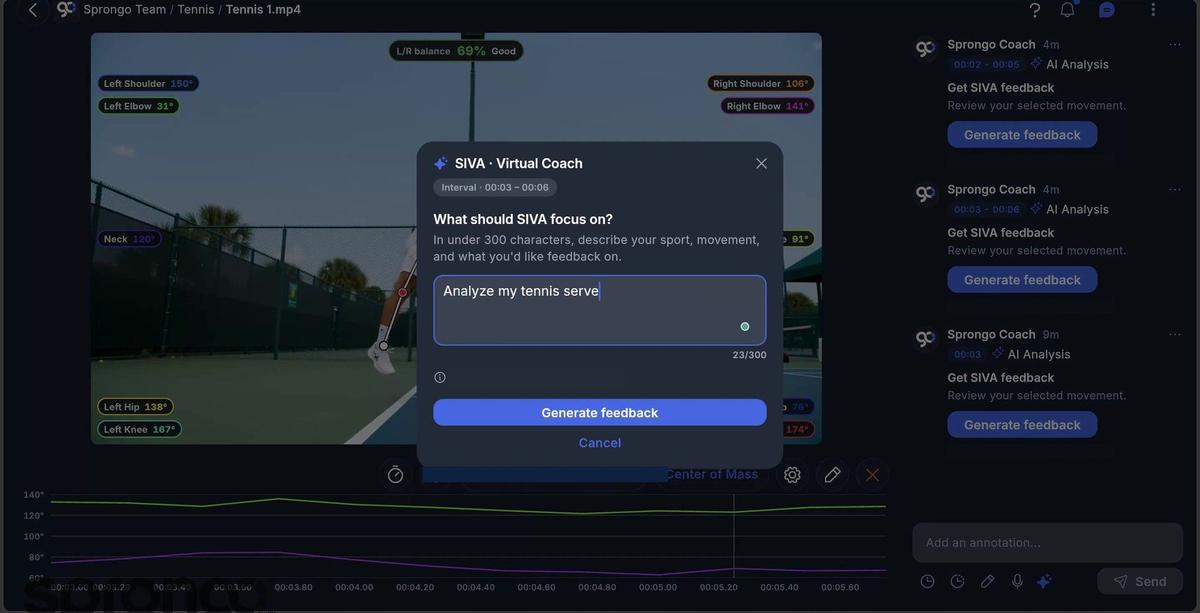
- In under 300 characters, describe your sport, the movement, and what you'd like feedback on. Stay with one idea. “Look at my serve toss. What should I check next?” is more useful than a list of every cue you have ever given.
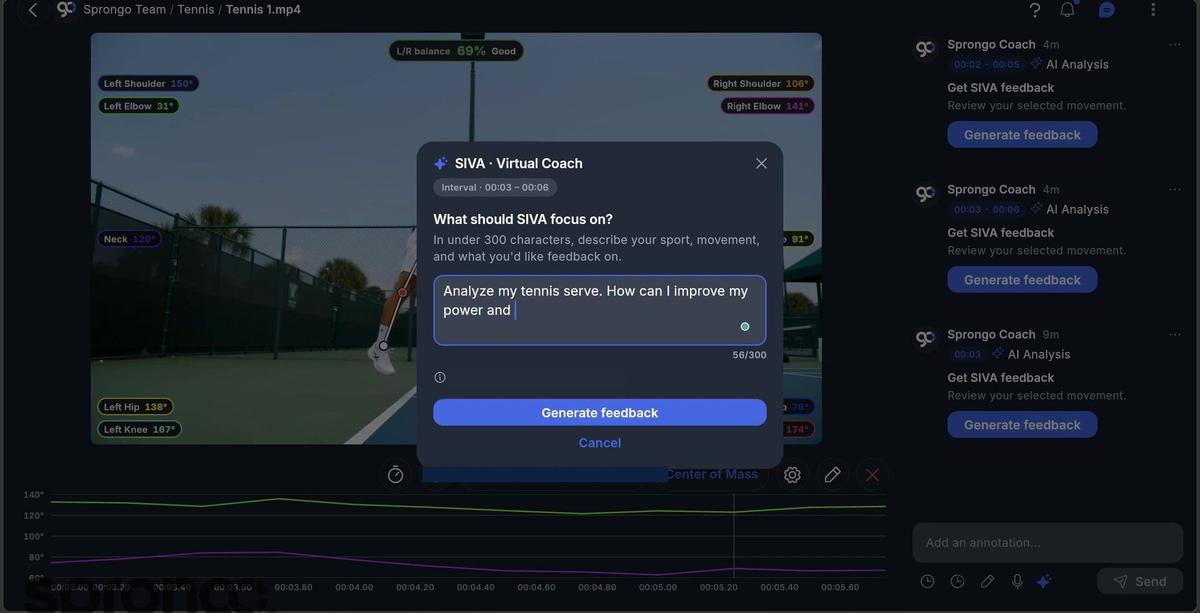
- Select Generate feedback. When the answer appears, check it against the video before you share it, as described in How to review SIVA's feedback.
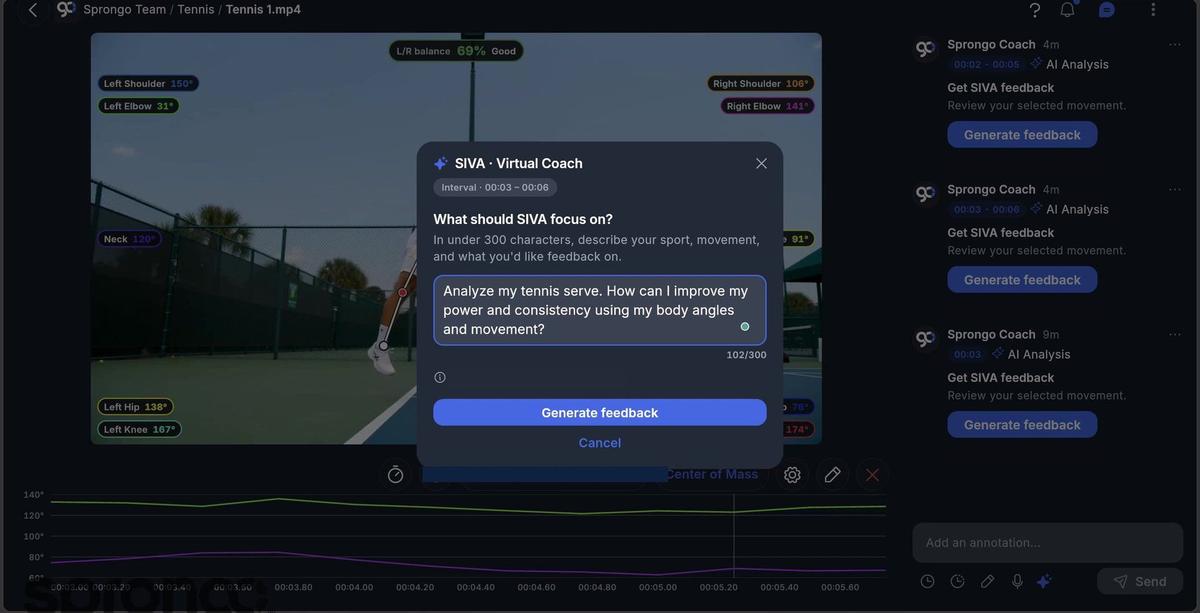
The product screen may label this dialog “SIVA · Virtual Coach”. In our guides, we call it SIVA, Sprongo's AI video assistant. The step is the same.
Frequently asked questions
What makes a good SIVA question? Name the sport, the movement, and one thing you want feedback on. Questions that point at a phase — the toss, turn entry, the release — are easier to check against the clip than questions that ask SIVA to grade the whole performance.
How long can the question be? The field in the 2.0 dialog allows up to 300 characters. Shorter is usually clearer. You do not need to fill the box.
Does SIVA replace a coach? No. SIVA reads the movement in the video you selected and suggests a next focus. Your coaching judgment stays in charge, including whether to share the answer. What Is SIVA? explains this in more detail.
Related guides
Getting started with Sprongo: six workflows · How to select a moment for SIVA · How to review SIVA's feedback · What Is SIVA?
Ask about the next clip you already have
Open one video, select one moment, and ask one focused question.