A useful review is easy to lose. The clip stays on one person's phone. The comment lives in a message thread. The cue is something the coach said at the side of the field, and by the next session it has to be reconstructed from memory.
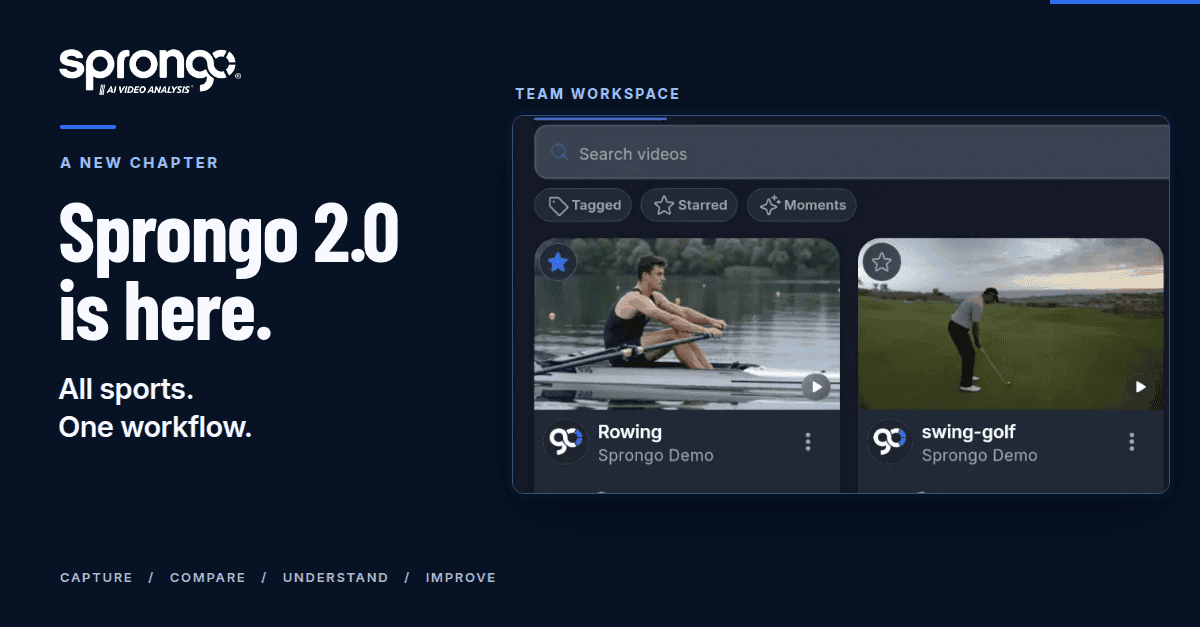
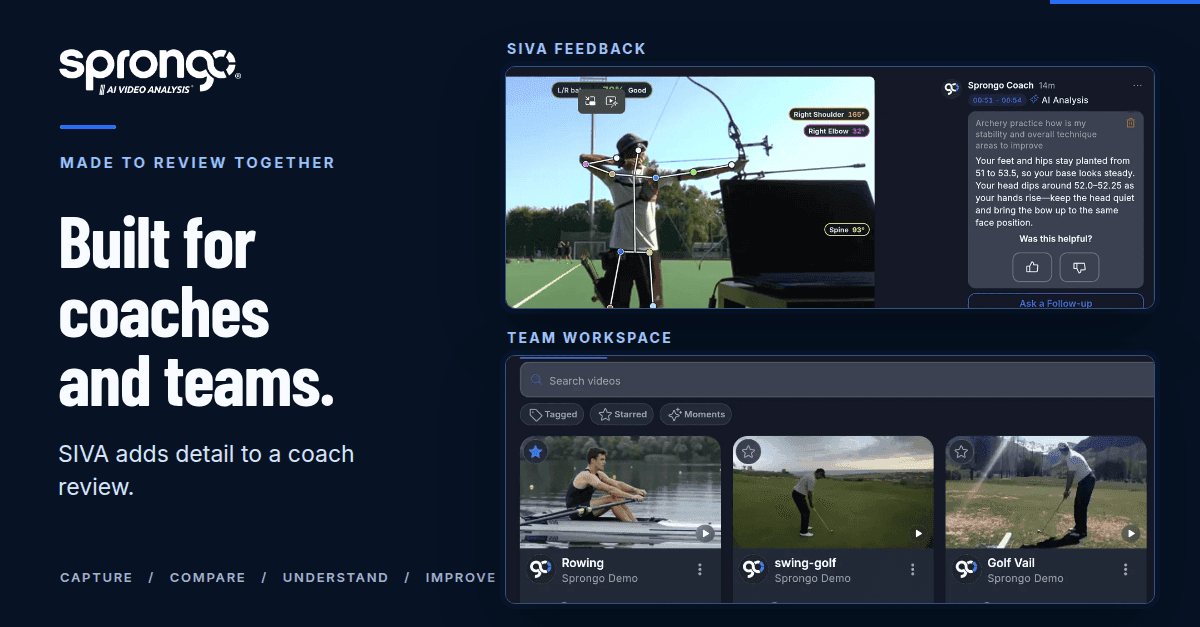
Sprongo 2.0 is built for coaches and teams as well as for individual athletes. The idea is a simple one: one shared library per team, so the footage, the mark, and the feedback stay together. When an athlete reopens the clip on their phone, the cue is still there.
See every move. Coach the next one — and be able to find that move again.
Why a shared library matters
Coaches already film. Athletes already watch. The gap is rarely a lack of video. The gap is that the video, the observation, and the next step often live in three different places.
A shared library gives the team a single home for that work. A clip can be found later. A moment can be marked. A note can be read again, not only heard once. The next conversation can start from the same picture, even if the coach and the athlete are not standing in the same place.
This is part of the same Sprongo 2.0 workflow — Capture, Compare, Understand, Improve — applied at team scale. All sports. One workflow. The library is where that workflow lives between sessions.
Playlists and starred moments
Inside a shared library, playlists and starred moments help a team stay specific.
A playlist is a way to gather related clips: a block of practice, a single skill, a week of training, a set of attempts you want to look at together. It keeps a review from turning into an endless scroll.
A starred moment is a way to mark what mattered in a clip, so the next time someone opens it they do not have to hunt through the whole video to find the part you talked about. The point is not to star everything. The point is to make the important moment easy to reopen.
Used together, they support a closer review: the right clips in one list, the right moment already marked, the cue attached to the thing you actually watched.
Review together, then let the athlete come back to it
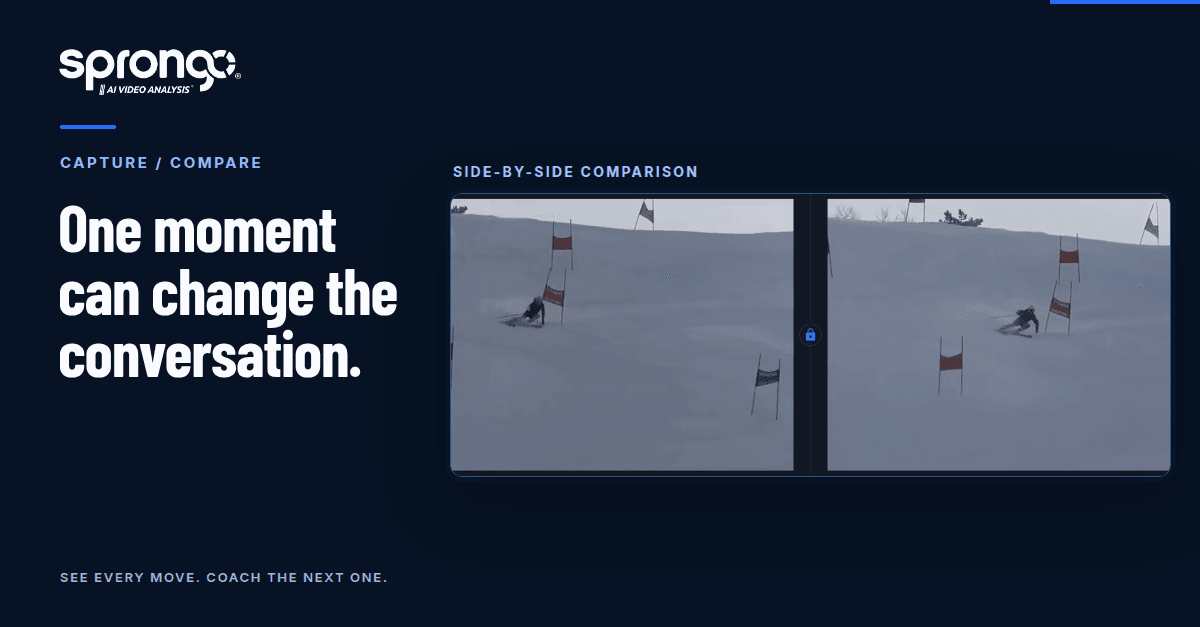
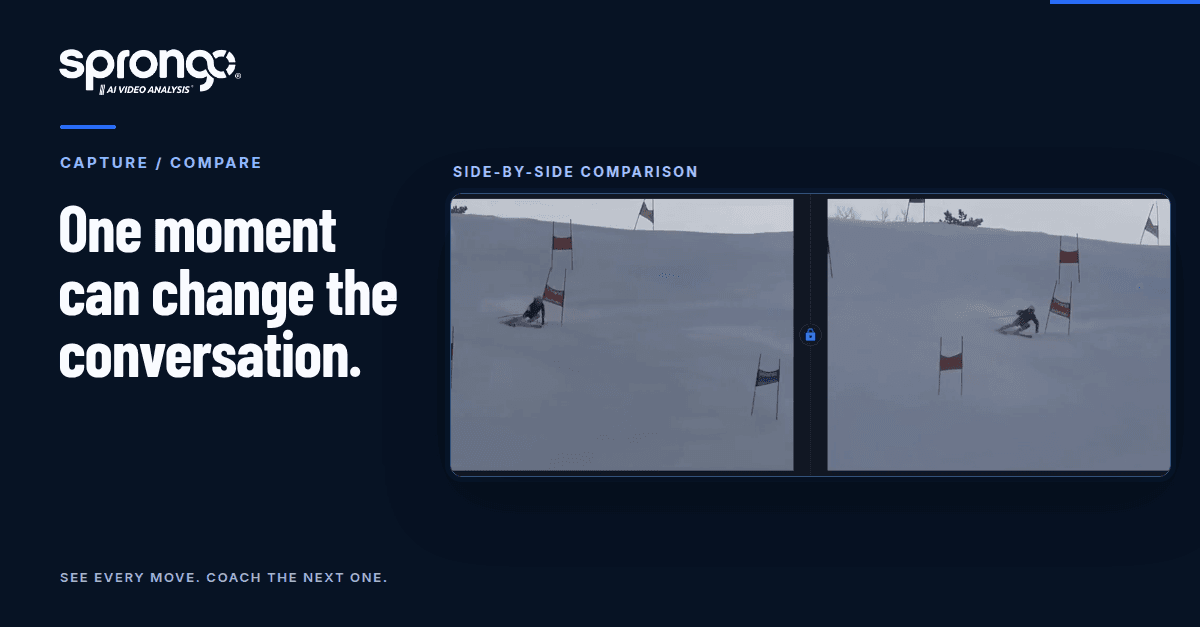
The library is also where side-by-side review and movement overlays sit. When two attempts of the same movement are in the same place, you can compare them, talk about the difference, and leave one cue. We walk through that comparison in How to compare two runs in Sprongo, and we describe the four-step loop in Capture, compare, understand, improve.
What happens after the review matters just as much. Feedback athletes can revisit on their phone means the cue is not only spoken once at the session. It can be opened again on the way to practice, or the night before, with the same clip in front of them.
That is how a team library earns its keep: not by storing every video the group has ever taken, but by making the last useful review easy to find.
Keep the library usable
A shared library only helps if people can find what they need. A few habits go a long way:
- Upload with permission, and be clear about which clips belong to the team.
- Prefer one clear clip over a pile of near-duplicates.
- Put related attempts in a playlist while the session is still fresh.
- Star the moment you actually discussed, not every frame that looks interesting.
- Leave one specific cue, written next to the clip, rather than a long general note.
If a clip cannot be found, do not create a second account to look for it. Write to [email protected] and we will help you search. And do not assume that older media from another place has already moved into the new workspace. Start with the clips you have in front of you, and build the library from the work you are doing now.
Who this is for
This way of working is for coaches who review with a group, for team admins who want the footage in one place, and for athletes who need to reopen a cue between sessions. It is the same loop whether the sport is skiing, archery, baseball, rowing, a jump, or a stride.
If you are just getting started, Getting started with Sprongo: six workflows is the practical tour, and Your first useful coaching session in Sprongo 2.0 is a shorter path through a single review. Sign in at app.sprongo.com.
One shared library. One clip. One clear next step.
The Sprongo Team