See every move. Coach the next one.
That tagline is not a slogan sitting next to the product. It is a description of the review itself. You look closely at a movement, you agree what changed, and you leave one cue for the next attempt. In Sprongo, that conversation follows a four-step loop: Capture, Compare, Understand, Improve.
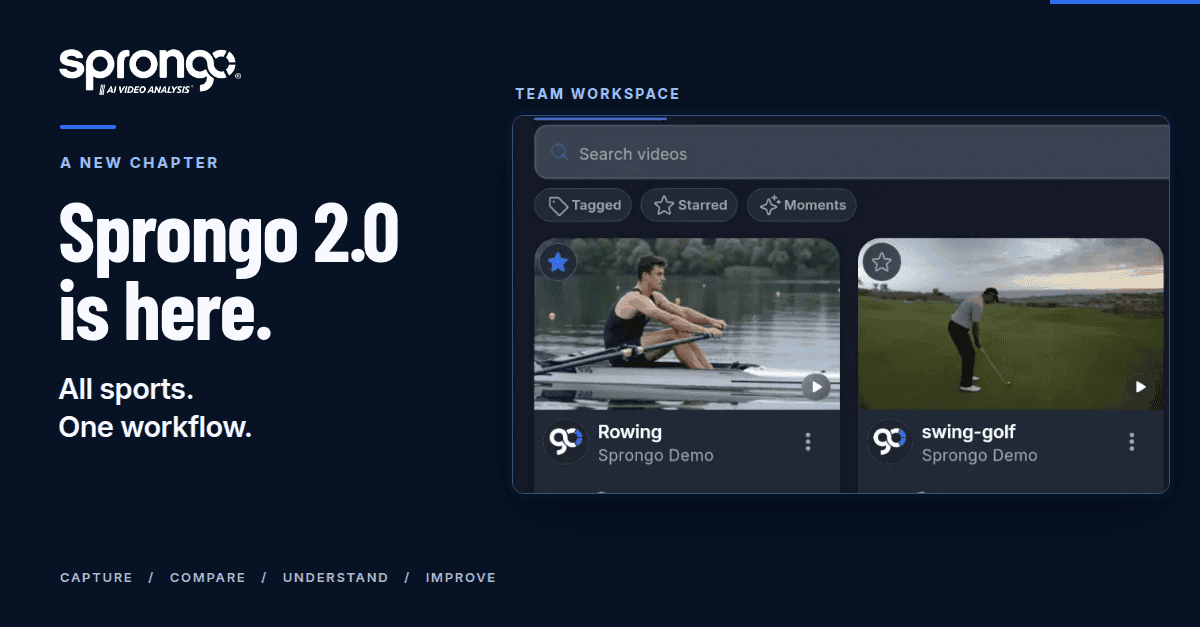
This is not a generic method for filming sport, and it is not a six-part product tour. It is the loop at the centre of Sprongo 2.0 — the same workflow in every sport, from a turn on snow to a draw, a swing, a stroke, or a jump.
Capture: bring the clip into one place
Capture starts before anyone opens a comparison. It means the video has a home.
Film with permission, from an angle that shows the movement, with the athlete clearly in frame. A phone on a steady surface is enough to start. You do not need a lab or a special camera. If you want help with setup by sport, we published How to Film Your Sport for Video Analysis.
Then bring the clip into Sprongo so it is not left in a camera roll or a chat thread. The point of capture is not to collect footage. The point is to have one clip you can actually return to, with the people who need to see it.
Start small. One video is enough for a useful review.
Compare: two runs, one difference
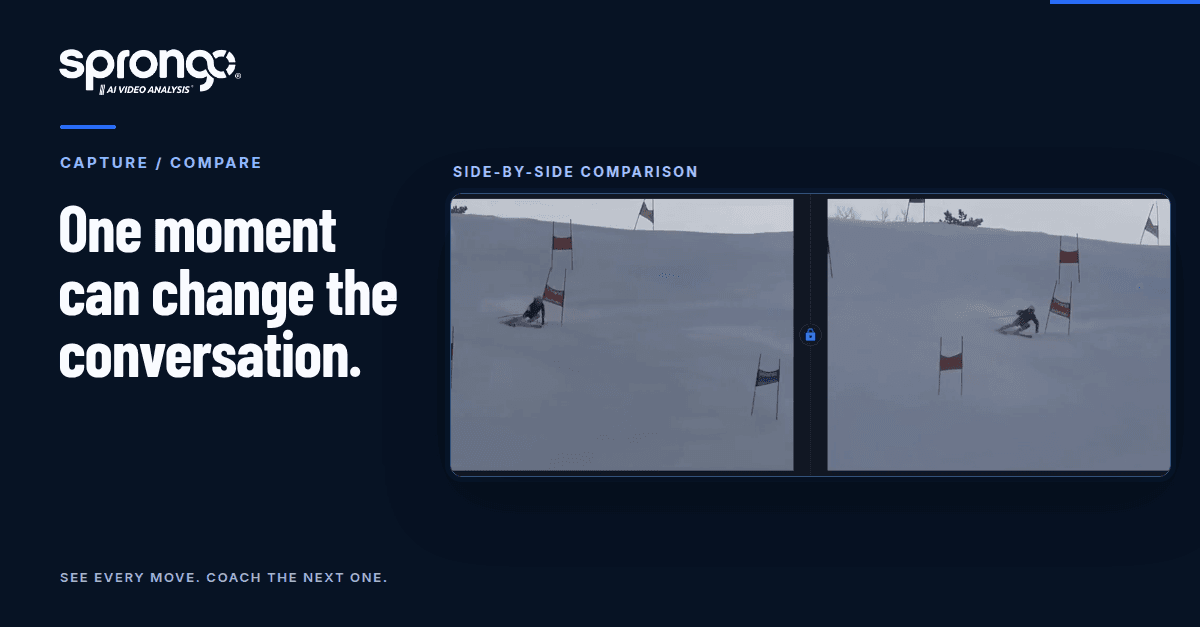
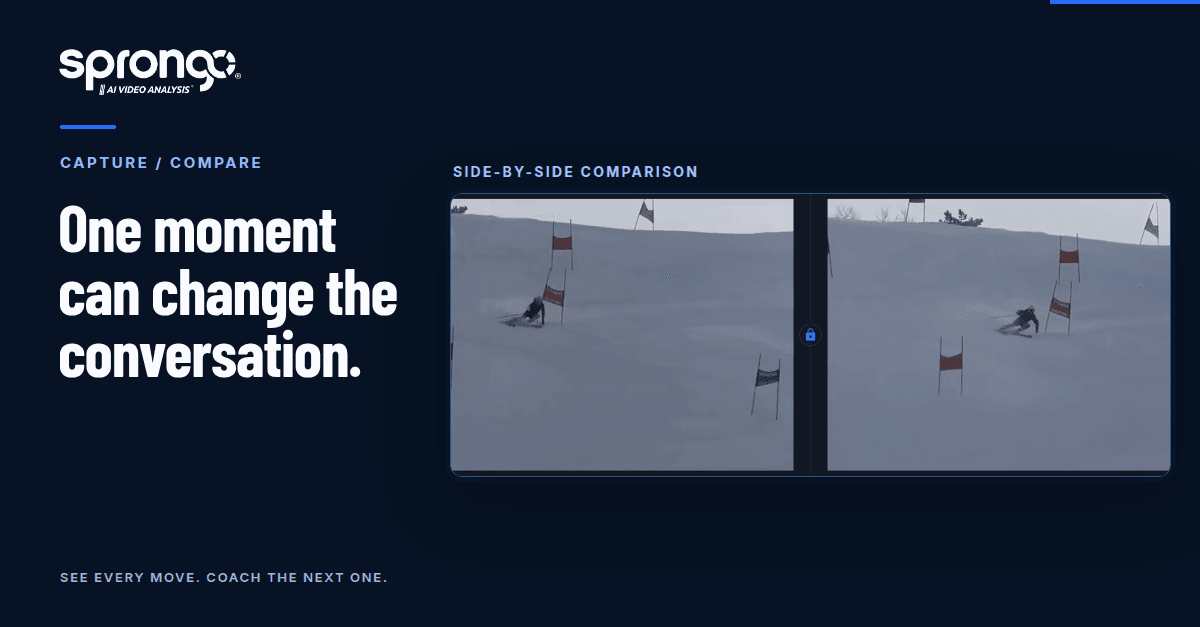
Two attempts of the same movement can look alike at full speed. Comparison is how you slow them down, line up the same phase, and see what actually changed.
Side by side shows timing and shape. An overlay can make a line, a stance, or a rhythm easier to notice. The aim is a visible difference, not a long list of impressions. Two runs. One difference.
When you have two clips of the same movement, filmed from a similar angle when you can, open them in comparison and line up the same moment — the entry to a turn, the toss, the catch, the plant. Then look at one thing. A walkthrough of those steps lives in How to compare two runs in Sprongo.
If you only have one clip, you can still have a useful review. Mark the moment, talk about what you see, and leave a cue. Compare when a second attempt is available.
Understand: agree what changed, and why it matters
Understand is the part of the loop where the coach and the athlete settle on meaning.
What changed in the movement? Why does that change matter for the next rep? The answer should be specific enough that both people would recognise it in the video.
This is still the coach's review. You watch, you mark what matters, and you decide what to say.
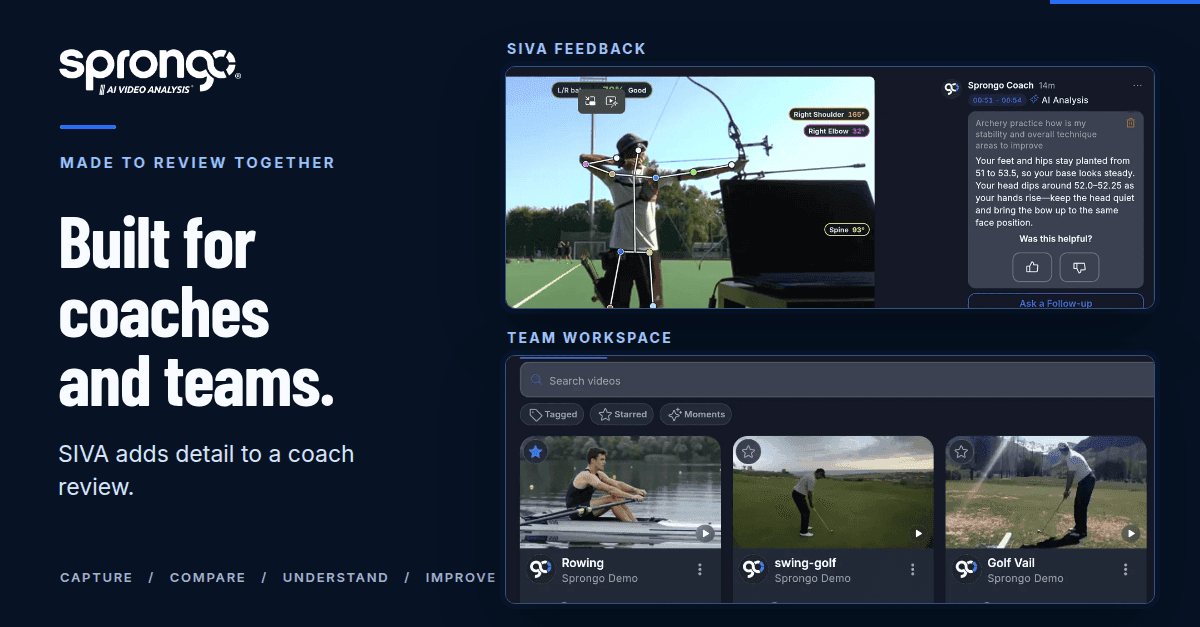
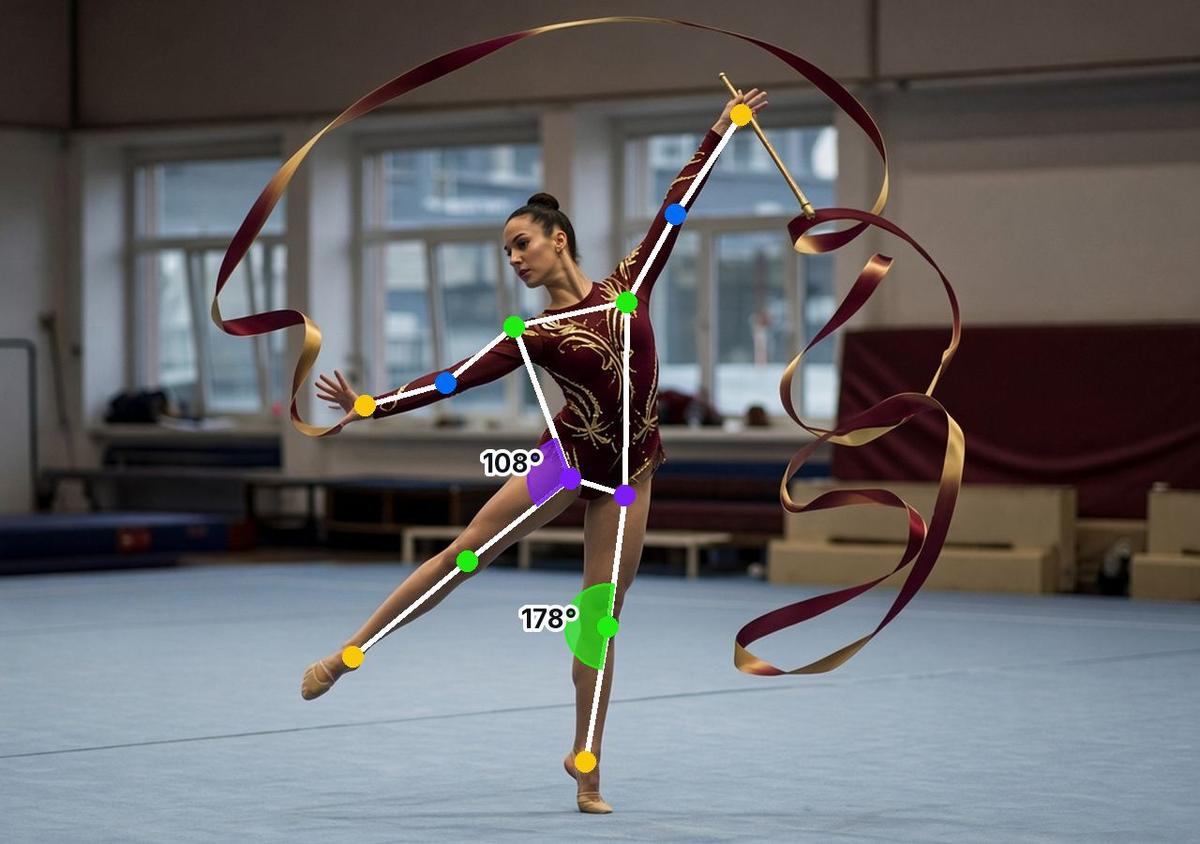
SIVA can add detail to that review. It is not a diagnostic verdict, and it carries no performance guarantee. If you use it, ask a focused question about the moment in front of you, then read the answer beside the video. If you do not use it, the session is still valid: observe the movement yourself and write a note. More on that in What Is SIVA? and How to ask SIVA a focused question.
Improve: leave one specific cue for the next rep
Improve, in this loop, does not mean a promised change in performance. It means the review ends with one cue the athlete can take into the next attempt.
A useful cue is small enough to try on the very next rep. It points at the moment you just watched, not at a general idea of the sport. "One clip. One clear next step." is the test. If the note would make sense without the video, it may still be too broad.
Write the cue where the clip lives, so it is there when someone reopens the video on their phone or comes back to it before the next session. The loop is not finished when the conversation ends. It is finished when the next attempt has something specific to aim at.
Keep the loop short
The four steps are easy to overload. Capture can turn into a folder of unused clips. Compare can turn into a catalogue of differences. Understand can turn into a lecture. Improve can turn into a list.
Resist that. The workflow is meant to stay short: bring a clip in, look at what changed, agree why it matters, and leave one cue. That is the same loop in every sport, which is the point of Sprongo 2.0. All sports. One workflow.
If you want the product walkthrough that sits around this loop, start with Getting started with Sprongo: six workflows. Sign in at app.sprongo.com.
See every move. Coach the next one.
The Sprongo Team