See what changed between two attempts
Two runs on the same course can look alike at full speed. Comparison is how you slow them down, line up the same turn or the same phase, and see what actually changed.
Why it matters for coaches and athletes: a cue only works if the next attempt is different. Side by side shows timing and shape. Overlay shows whether a line, a stance, or a rhythm stayed the same. You leave the review with one thing to check on the next run, not a long list of impressions.
This walkthrough uses ski training footage in Sprongo 2.0. The same steps apply to any two clips of the same movement, such as two serves or two jumps. It sits in the compare step of Getting started with Sprongo: six workflows.
How to compare two runs
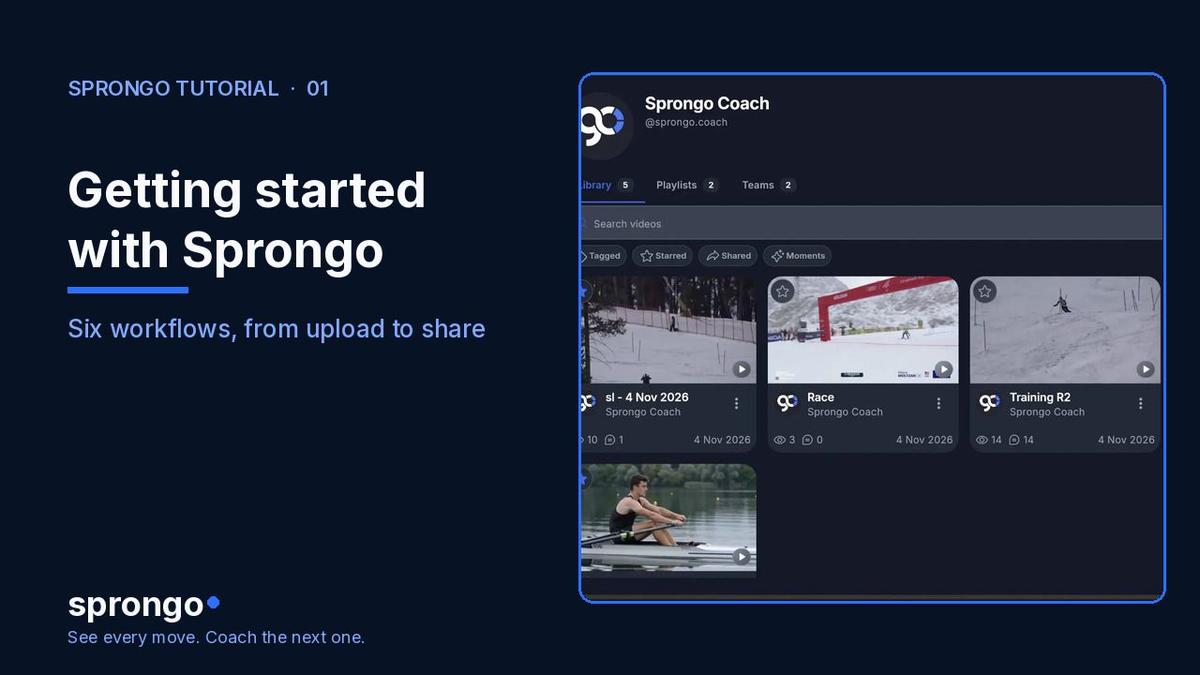
- In your Library, select the two clips you want to compare. They should show the same movement, filmed from a similar angle when you can.
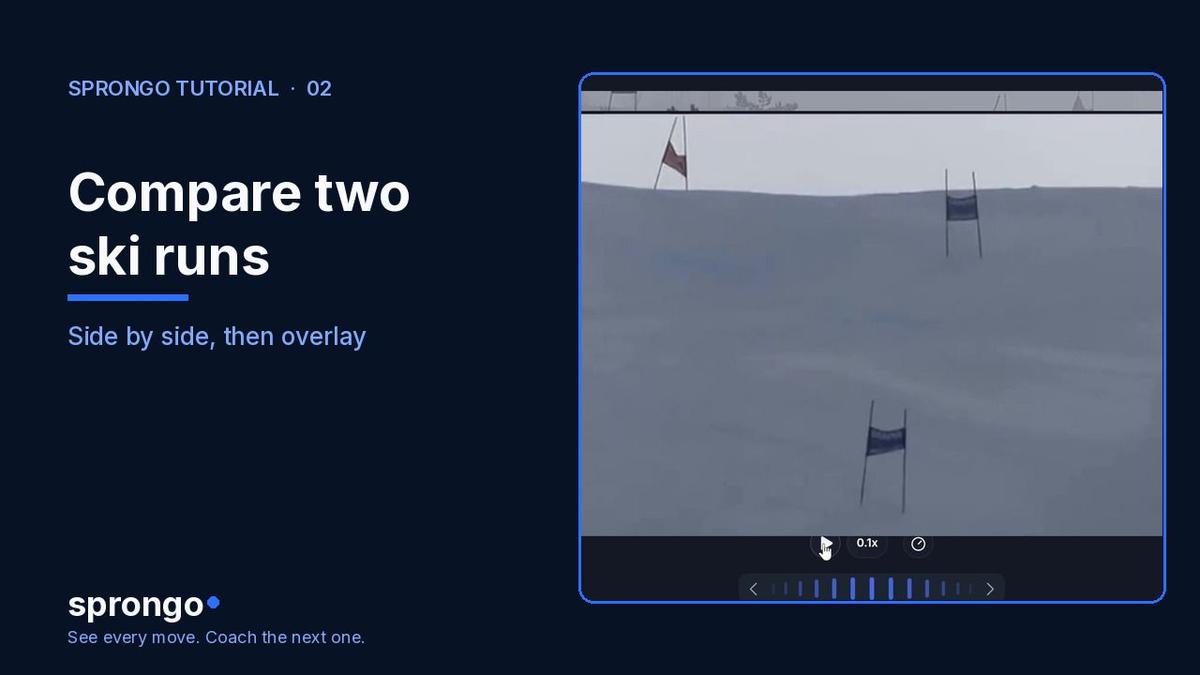
- Open them in comparison and play them side by side. Each clip has its own playback controls, so you can line up the same phase — turn entry, the toss, the release — before you judge anything.
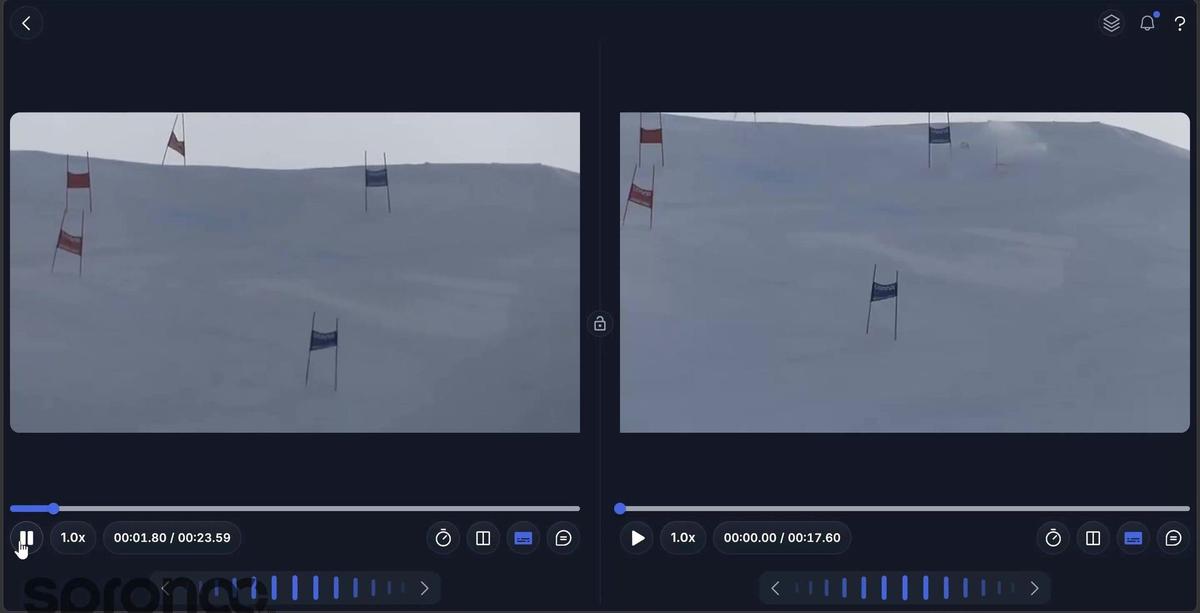
- Slow the playback. A turn or a swing that looked identical at full speed often separates once you can see the start of the movement.
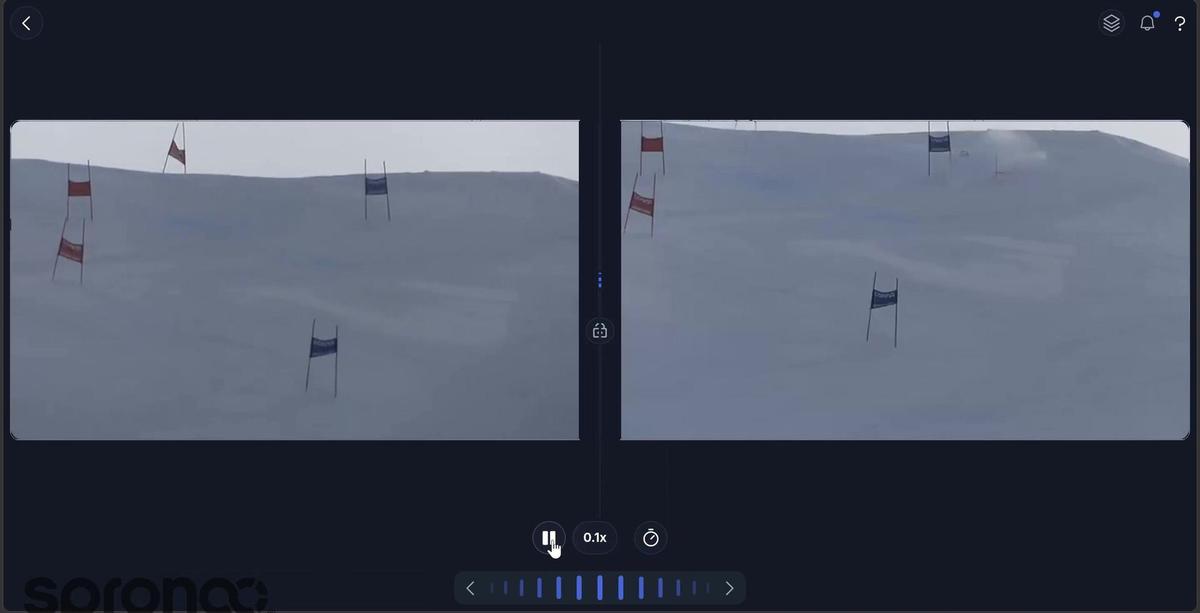
- Switch to overlay to layer one run over the other. Look for what changed and what stayed the same.
- Choose one thing to check on the next attempt. If you want to ask SIVA, Sprongo's AI video assistant, about that moment, select it and continue with How to select a moment for SIVA.
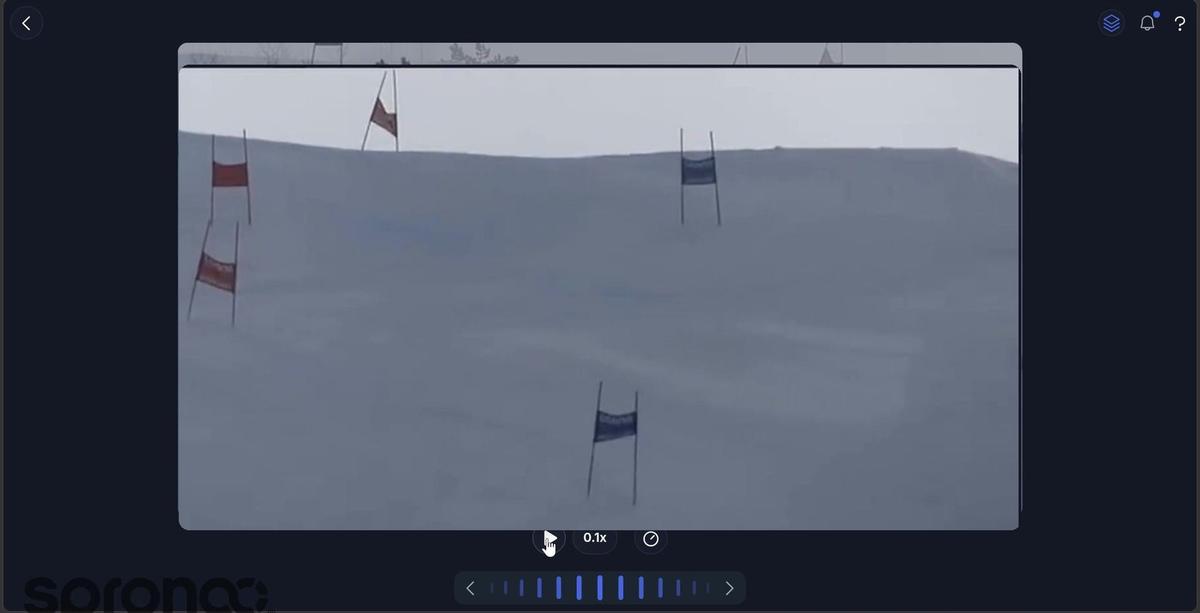
Three questions keep the review short: what changed, what stayed the same, and what do we check next?
Frequently asked questions
Should I start in side by side or overlay? Start side by side so you can line up the same phase with each clip's controls. Switch to overlay once the two attempts are synced. Overlay is best for a line, a stance, or a rhythm you want to see on top of each other.
Do the two clips need to be the same length? No. What matters is lining up the same moment in each clip — the same turn, the same contact, the same takeoff — not matching the full duration.
Can I compare two different movements? You can, but it is a weaker review. Comparison works best on the same skill, filmed from a similar camera position, so the difference you see is the athlete, not the angle.
Related guides
For the rest of the Sprongo loop, see Getting started with Sprongo: six workflows. To follow pose tracking through a ski run, see How to track movement through a ski run. For what to look at in a turn, see Ski Technique Video Analysis.
Compare your next two attempts
Pick two clips of the same movement, sync one phase, and leave with a single next check.