See the turn as numbers and a graph, not only as a picture
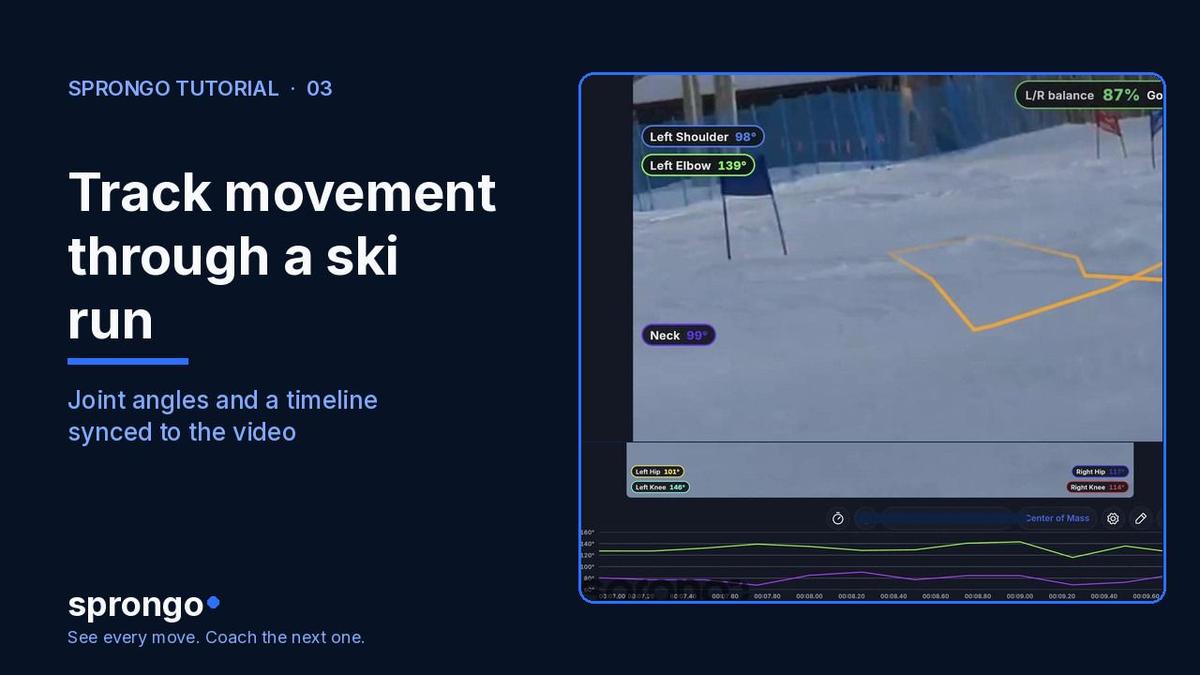
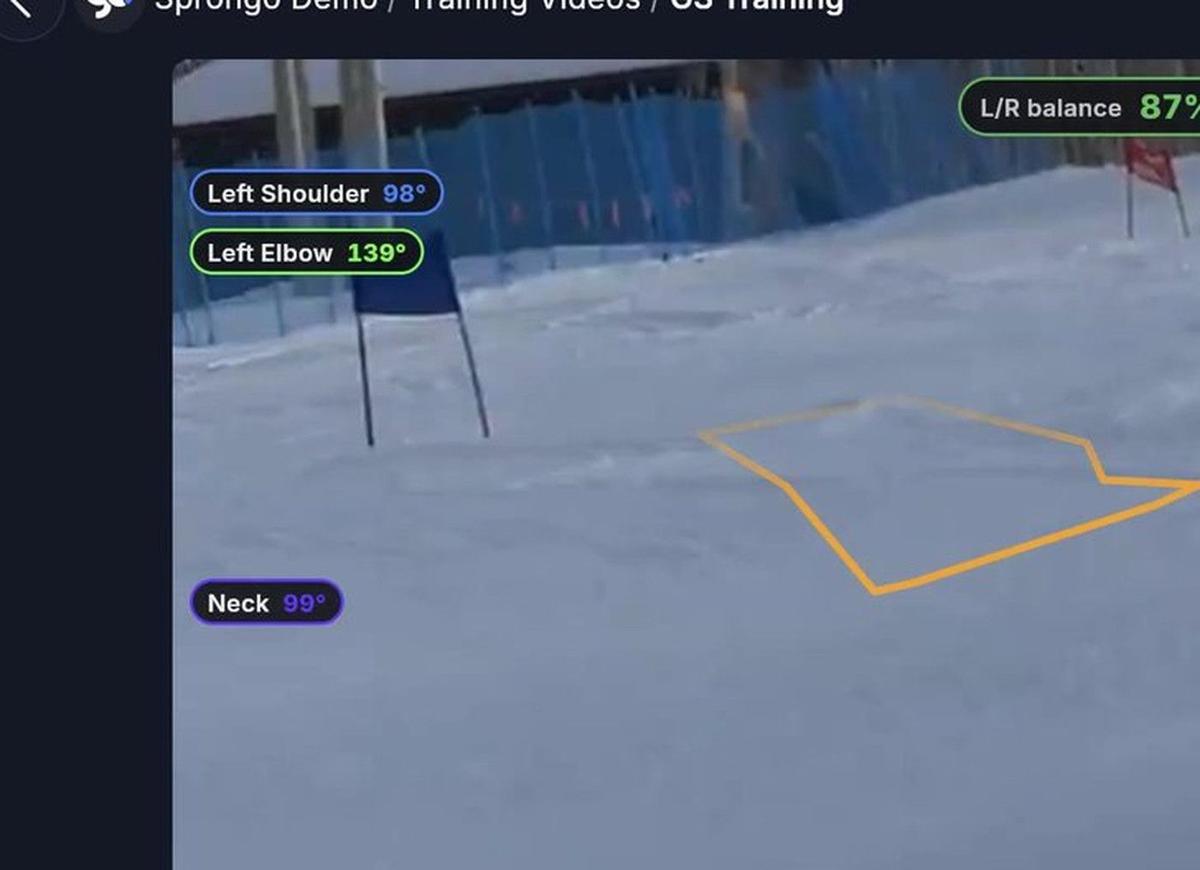
When you open a ski run in Sprongo, pose tracking can follow the athlete through the turn. Joint-angle chips sit on the body, and a timeline graph stays in sync with the video, so you can scrub to the frame where a hip, a knee, or a shoulder actually changes.
Why it matters: a coach and an athlete often disagree about when a movement started. A graph that moves with the playhead gives you a shared picture of timing. You still bring the coaching judgment — the tracker does not tell you what the right angle is for this skier. It helps you find the frame worth talking about.
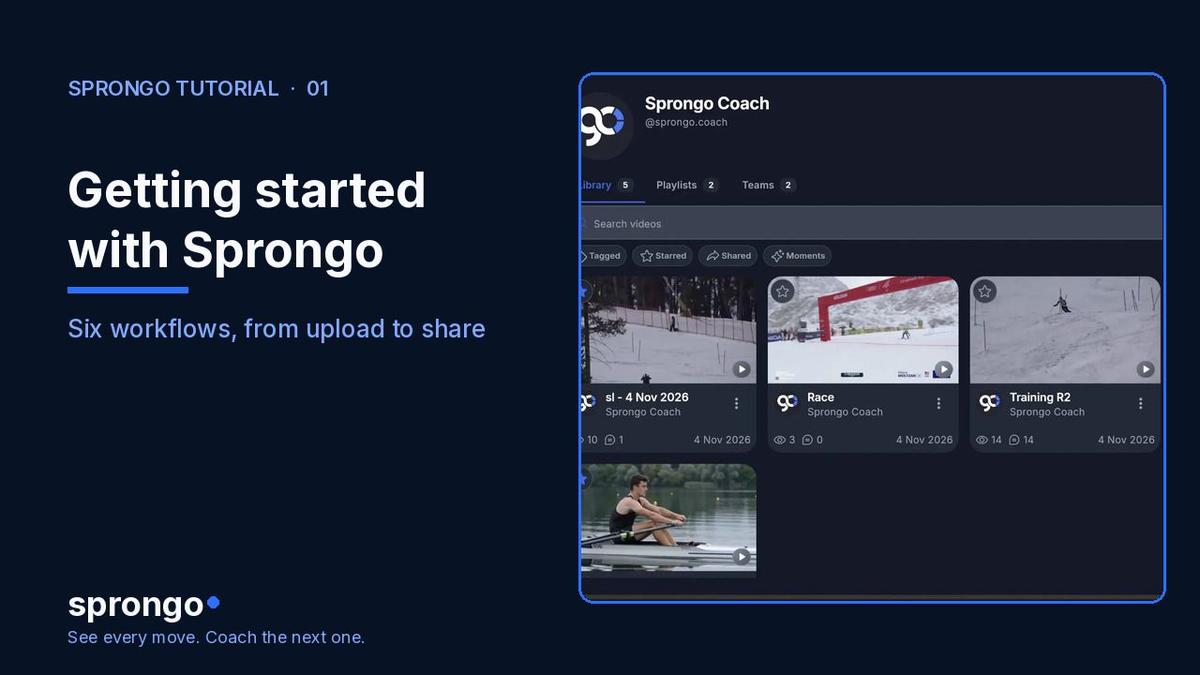
This is the movement-tracking companion to Getting started with Sprongo: six workflows. For what to look at in a turn, pair it with Ski Technique Video Analysis.
How to follow tracking through a run
- Open a run from your Library. Use a clip where the skier is fully in frame, filmed from the side of the course when you can.
- Play the clip and watch the pose tracking follow each turn. Joint-angle chips stay on the body as the skier moves.
- Use the timeline graph under the video. The traces stay in sync with the playhead, so a change in the graph is a change you can step to in the picture.
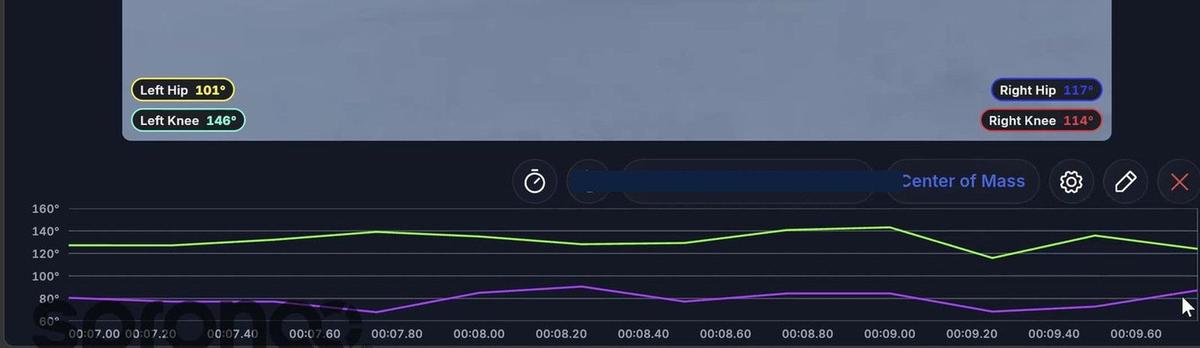
- Scrub or pause on the moment you care about — often turn entry, the fall line, or the start of the next turn — and read the joint angles on that frame.
- If a tracked point is clearly in the wrong place, you can drag it and save. See How to adjust tracked pose points in Sprongo.
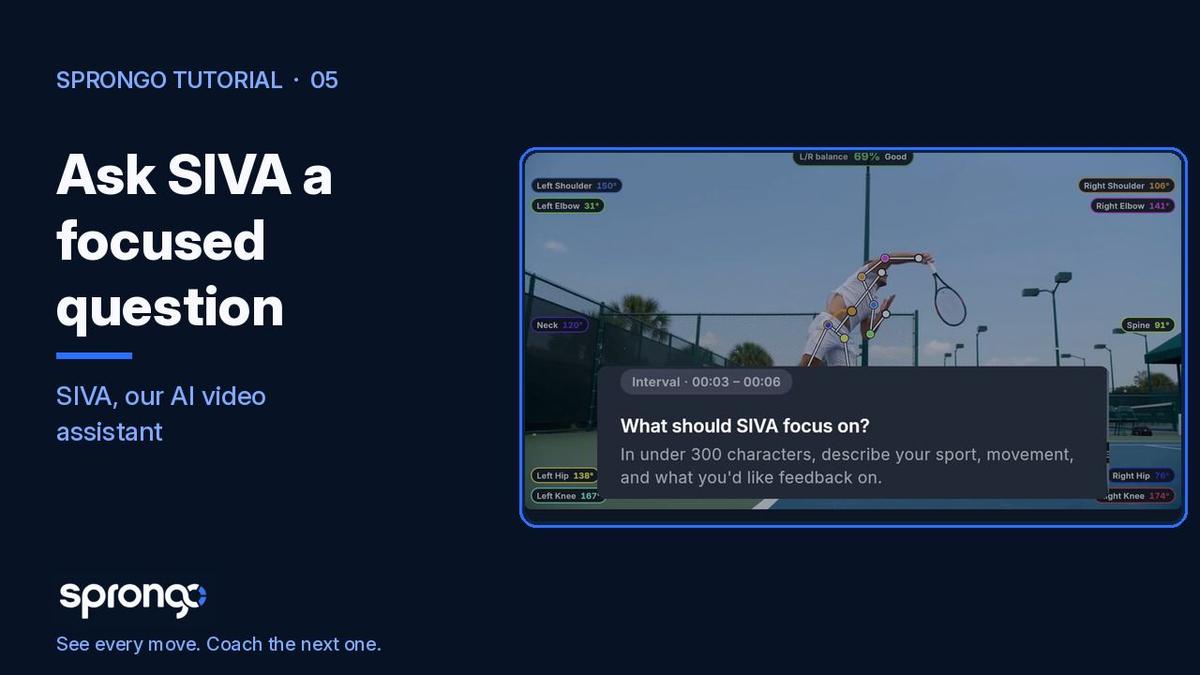
- When you know the moment you want to ask about, select it for SIVA, Sprongo's AI video assistant. See How to select a moment for SIVA.
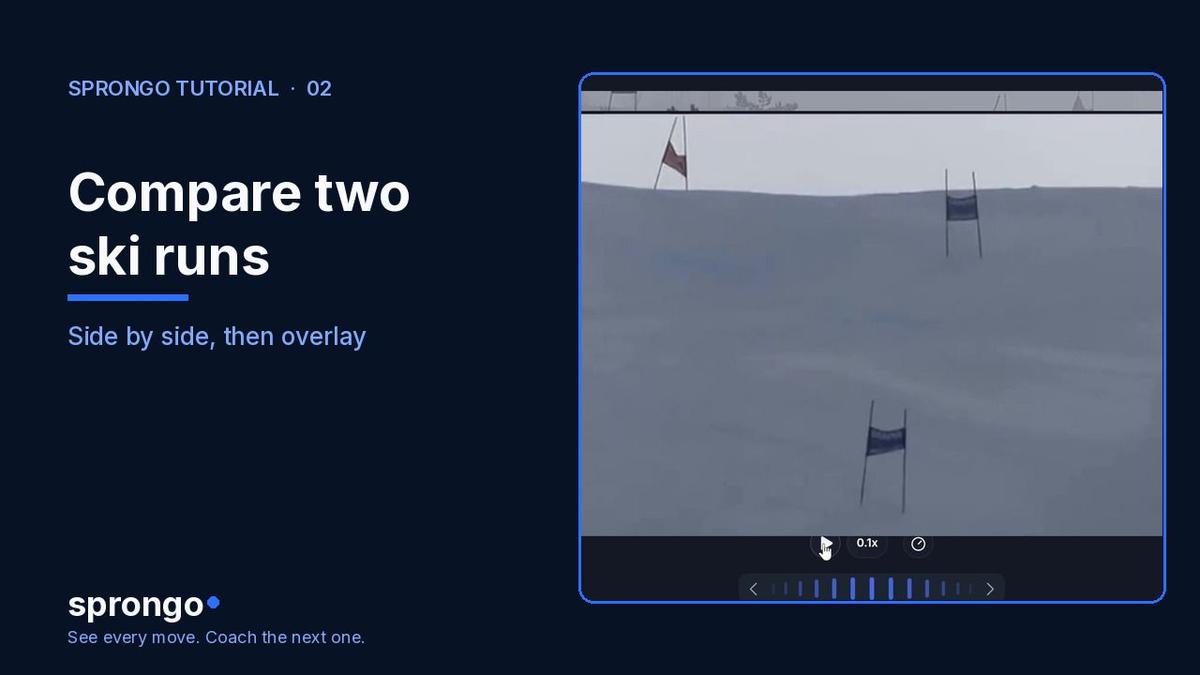
Tracking is a way to find the frame. Comparison is how you check whether the next run actually changed; see How to compare two runs in Sprongo.
Frequently asked questions
Does pose tracking work only for skiing? This walkthrough uses a ski run because that is the 2.0 recording we have. Tracking is useful in any clip where the athlete is clearly in view and the camera is steady enough to follow the movement.
What if a joint looks wrong? If a point sits off the body, adjust it before you lean on the angles or ask SIVA about that frame. How to adjust tracked pose points shows the drag-and-save steps.
Should I review only in slow motion? Watch once at full speed so you still see the rhythm of the turn, then slow down or scrub to the frame the graph points you to. Slow motion alone can make a rushed movement look more controlled than it was.
Related guides
Getting started with Sprongo: six workflows · How to compare two runs in Sprongo · Ski Technique Video Analysis · How to Film Your Sport for Video Analysis
Open a run and find one frame
Pick a single turn, step to the frame where the graph changes, and decide one thing to check next time.